Two types of schedule mode are offered: <Always> and <Only during Time
Frame>. Users can select <Always> to activate Micro SD/SDHC Card
Recording all the time. Or select a set of schedule from the time frame blank,
check specific weekdays and setup the start time (hour:minute) and time period
(hour:minute) to activate Micro SD/SDHC Card Recording at certain time frames.
The setting range for time period hour is from 0 to 168. Please click on <Save>
to save the setup.
Activating Micro SD/SDHC Card Recording
Select <Disable> to terminate the recording function.
Terminating Micro SD/SDHC Card Recording
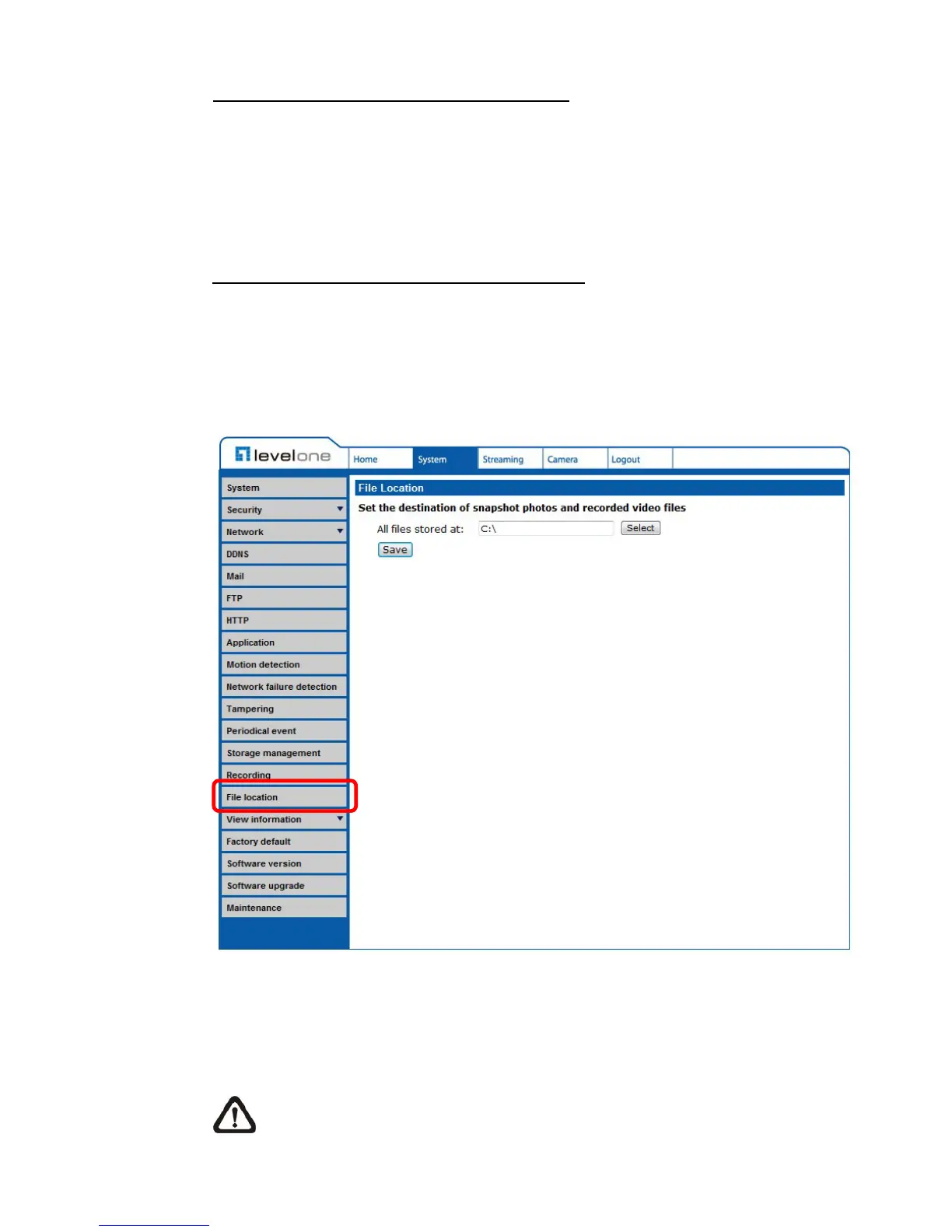
6.3.14 File Location (Snapshots and Web Recording)
The File Location setting can be found under this path: System> File Location.
Users can specify a storage location on the PC or in the hard drive for the
snapshots and live video recording. The default setting is: C:\. Once confirm the
setting, click on <Save>, and all the snapshots and web recording will be saved
in the designate location.
NOTE: Please make sure the selected file path contains valid characters
such as letters and numbers.















 To Next Page