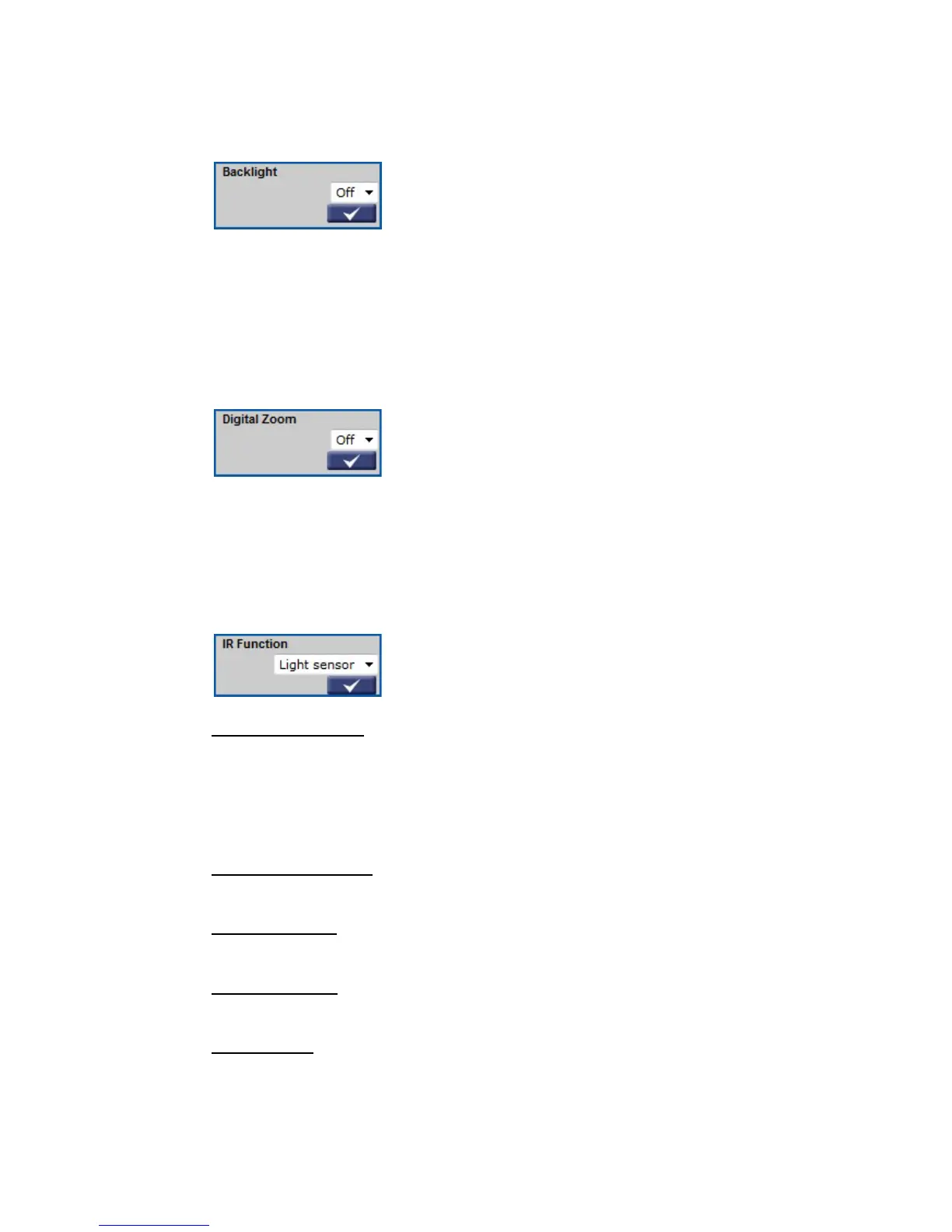
6.5.4 Backlight
The Backlight Setting can be found under this path: Camera> Backlight.
The Backlight Compensation function prevents the center object from being too
dark in surroundings where excessive light is behind the center object. Click on
< √ > to confirm the new setting.
6.5.5 Digital Zoom
The Digital Zoom Setting can be found under this path: Camera> Digital Zoom.
The camera's digital zoom is adjustable from x2 to x8. Click on < √ > to
confirm the new setting.
6.5.6 IR Function
The IR Function Setting can be found under this path: Camera> IR Function.
With the IR cut filter, the Camera can still catch clear image at night time or in
low light conditions.
Auto/On/Off Mode
For the camera with the built-in IR LED module, there will be three additional
IR function modes (Light Sensor/ Light On/ Light Off) as follows:
IR LED lights will be turned on/off depending on the light sensor.
Light Sensor Mode
In this mode, IR LED lights will be always on.
Light On Mode
In this mode, IR LED lights will be always off.
Light Off Mode
The Smart Mode enhances the monochrome/night mode stability in the
scenario that IR illumination is dominant. In this mode, when the external IR
illuminator is turned on, the IR cut filter of the IP Camera will keep open (i.e.
monochrome/night mode), preventing the camera from returning to the
color/day mode when IR illumination is dominant.
Smart Mode















 To Next Page