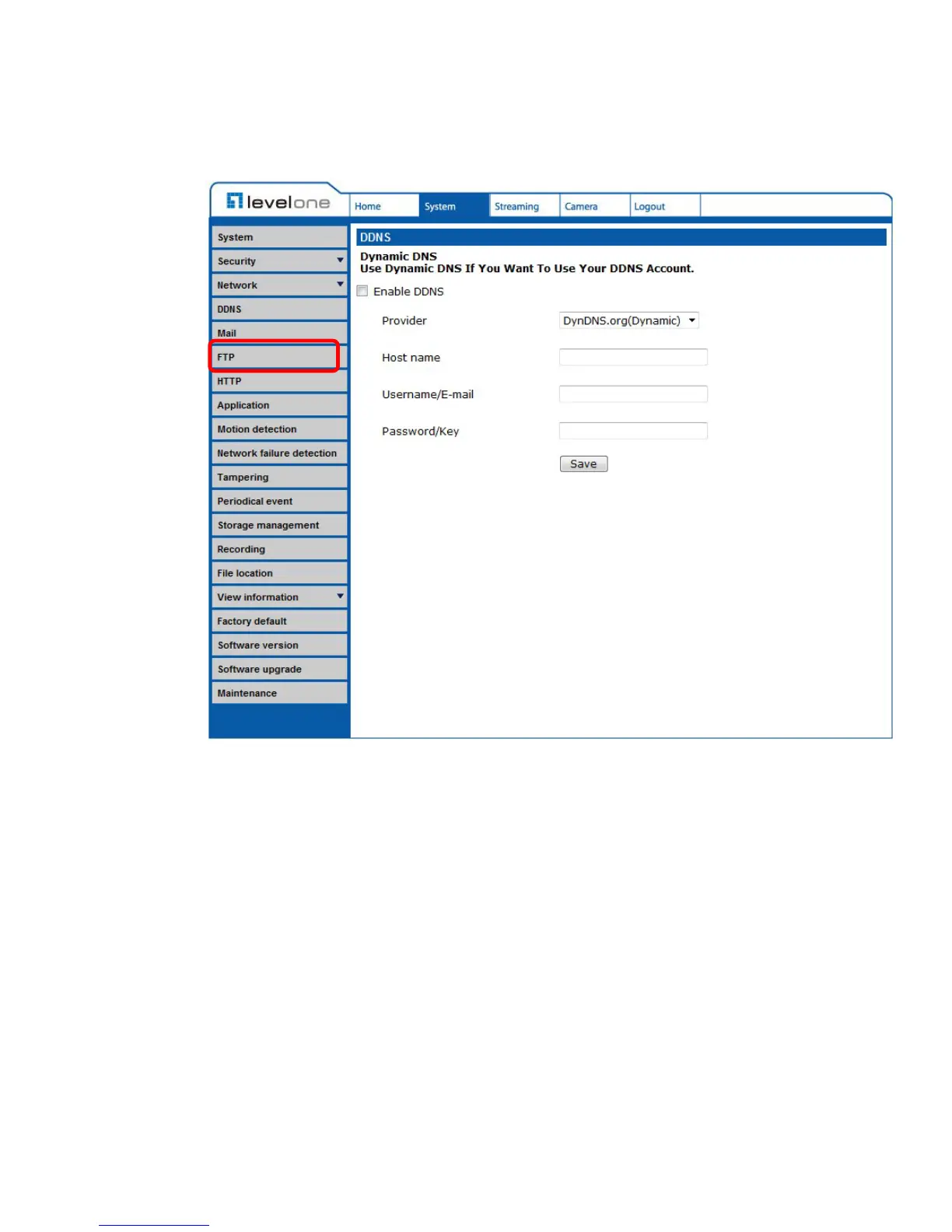
6.3.6 FTP
The FTP setting can be found under this path: System> FTP.
The Administrator can set as sending alarm message to a specific File Transfer
Protocol (FTP) site when event is triggered. Users can assign alarm message to
up to two FTP sites. Enter the FTP details, which include server, server port,
user name, password and remote folder, in the fields. Check the box “passive
mode” to be connected with the FTP server by passively receiving the FTP
server’s IP address through a dynamic port. Alternatively, uncheck the box to
directly connect the FTP server via active mode.
Click on <Save> when finished.















 To Next Page