The CBR (Constant Bit Rate) mode could be the preferred bit rate mode if the
bandwidth available is limited. It is important to take account of image quality
while choosing to use CBR mode.
CBR Mode Setting
Click on <Save> to confirm the setting.
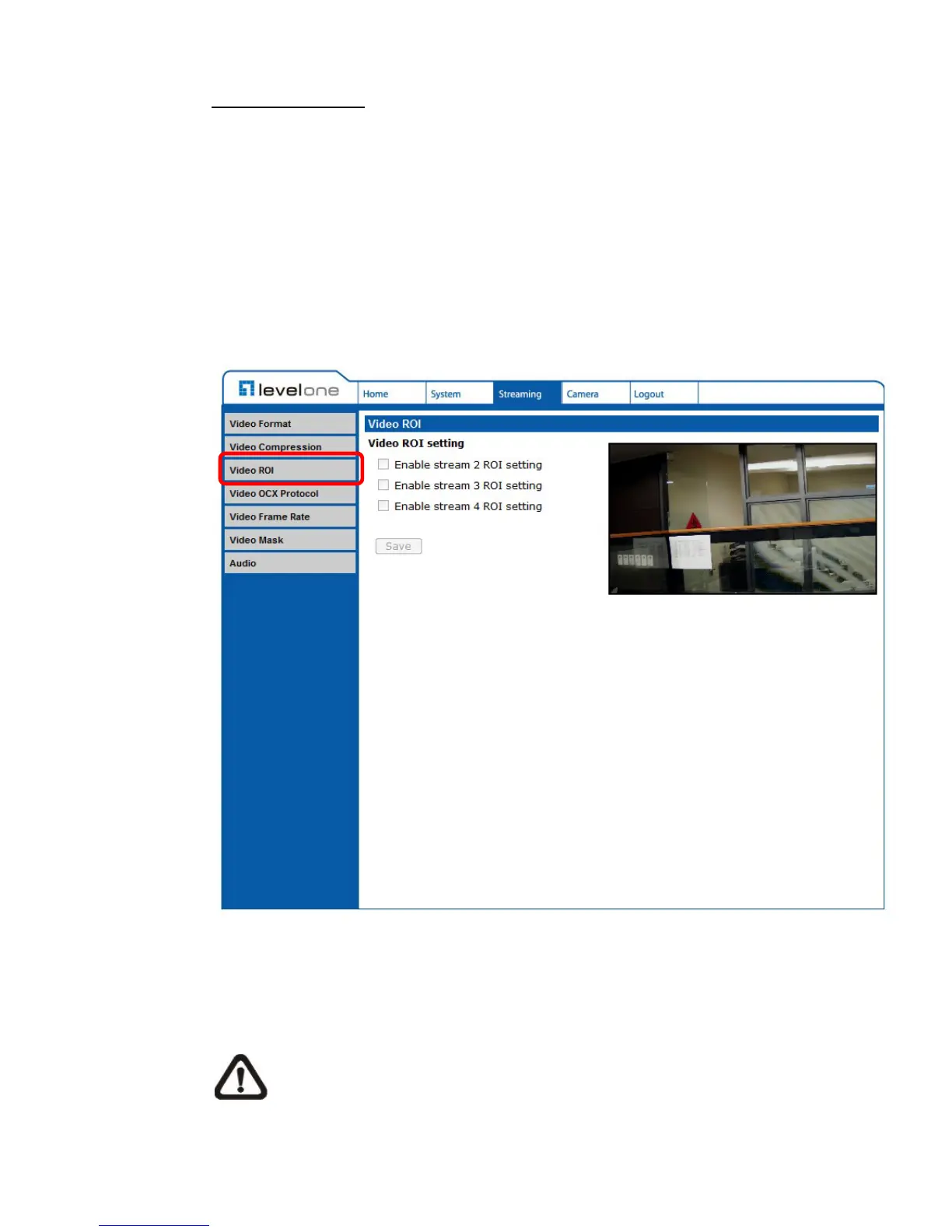
6.4.3 Video ROI
The Video ROI setting can be found under this path: Streaming> Video ROI.
ROI stands for Region of Interest. This function allows users to select specific
monitoring region for 2nd, 3rd and 4th streams, instead of showing the full
image.
NOTE: This function is only available when triple streams or above is
selected under Video Resolution in Video Format Setting.















 To Next Page