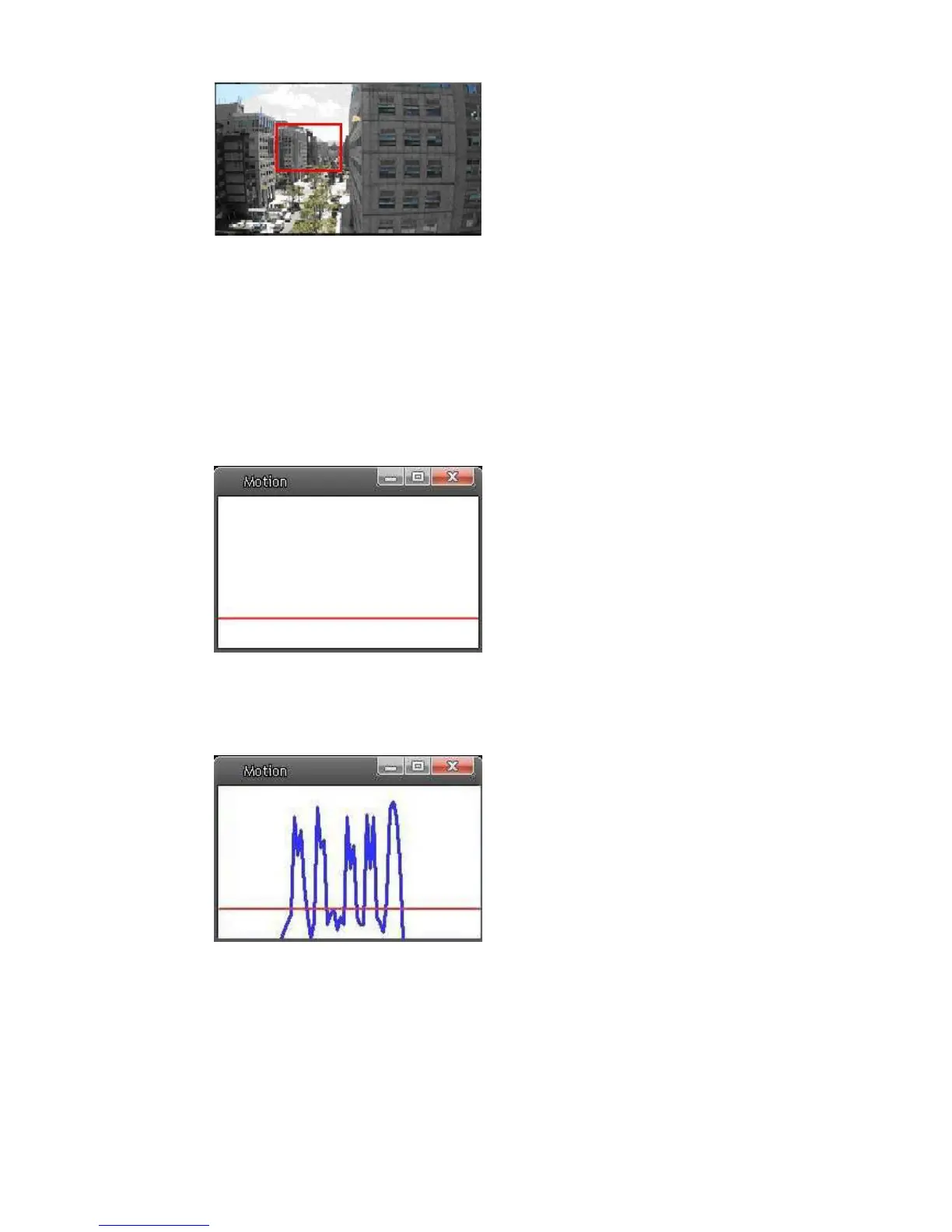
Up 10 Motion Detection Windows can be set. Press the “add” button under the
Live View Pane to add a Motion Detection Window. To cancel a Motion
Detection Window, move the mouse cursor to the selected Window, and click
on the “delete” button.
If Motion Detection function is activated, the pop-off window (Motion) with
indication of motion will be shown.
When motion is detected, the signals will be displayed on the Motion window as
shown below.
Detailed settings of Motion Detection are described as follows:















 To Next Page