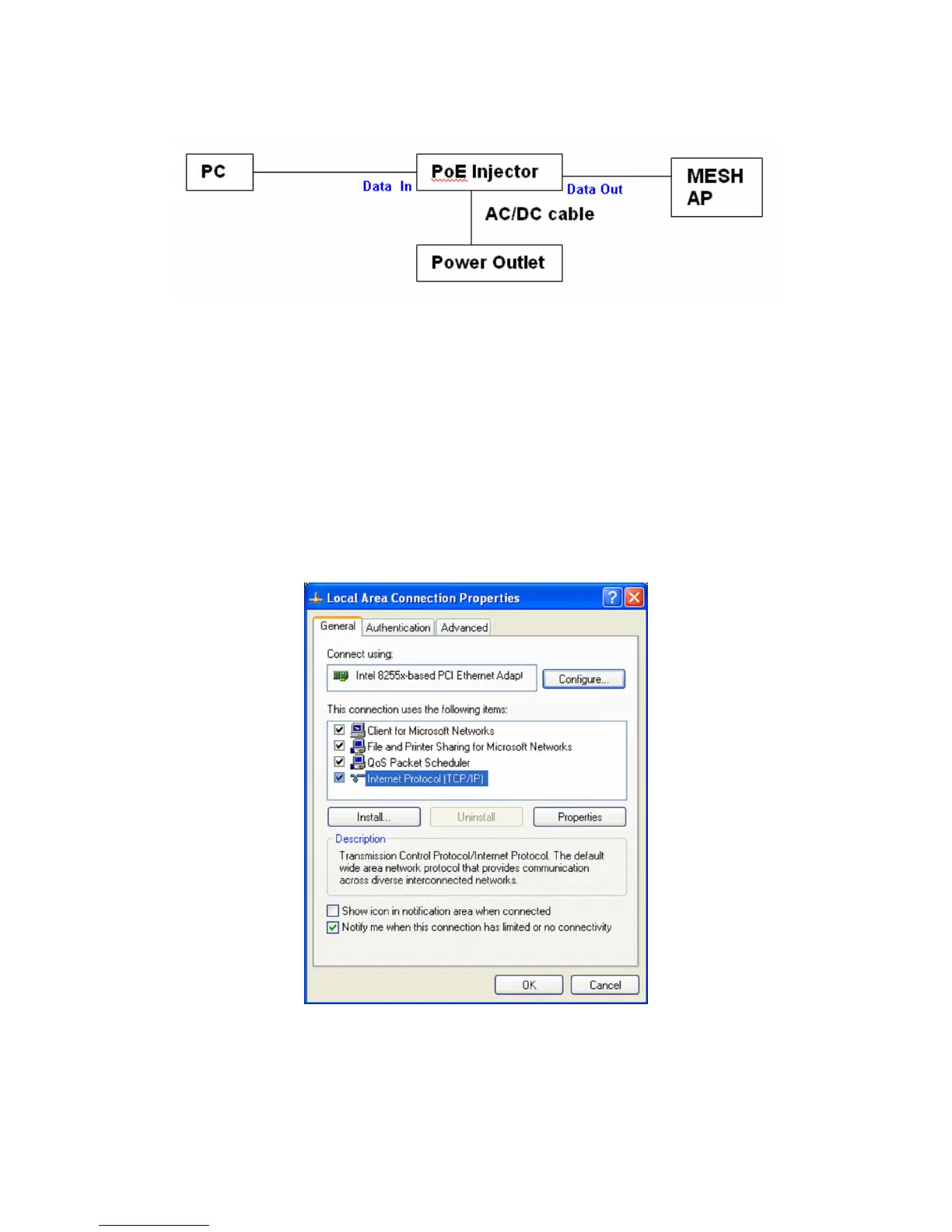
This diagram depicts the hardware configuration
2.2 IP Address Configuration
This device can be configured as a Bridge or Access Point. The default IP address of
the device is 192.168.0.1. In order to log into this device, you must first configure the
TCP/IP settings of your PC/Notebook.
a) In the control panel, double click Network Connections and then double click
on the connection of your Network Interface Card (NIC). You will then see the
following screen.
b) Select Internet Protocol (TCP/IP) and then click on the Properties button.
This will allow you to configure the TCP/IP settings of your PC/Notebook.















 To Next Page