TCP Finished Wait Timeout: TCP finished wait timeout
TCP Last Ack Timeout: Last acknowledgement timeout
TCP SYN Receive Timeout: TCP SYN receive timeout
TCP SYN Sent Timeout: TCP SYN sent timeout
TCP Time Wait Timeout: TCP Time wait timeout
UDP Timeout: UDP timeout
UDP Stream Timeout: UDP stream timeout
Radio 1 distance: Desired operating distance for radio 1 ( usually refer to
mesh radio )
Radio 2 distance: Desired operating distance for radio 2 ( usually refer to
client access radio )
Regulatory Domain: Display the regulatory domain of the wireless interface
Country: List of supported country available from the wireless interface.
Outdoor Mode: Enable or disable use of outdoor mode on the wireless
interface.
External Channel Mode: Enable or disable use of external channel mode of
the wireless interface
“Save Changes” button to save any changes made. New settings are active
after reboot.
3.1.3 System > Restart & Backup
Under this configuration menu, you can perform the following action.
Figure 4.3.1: Advance configuration page
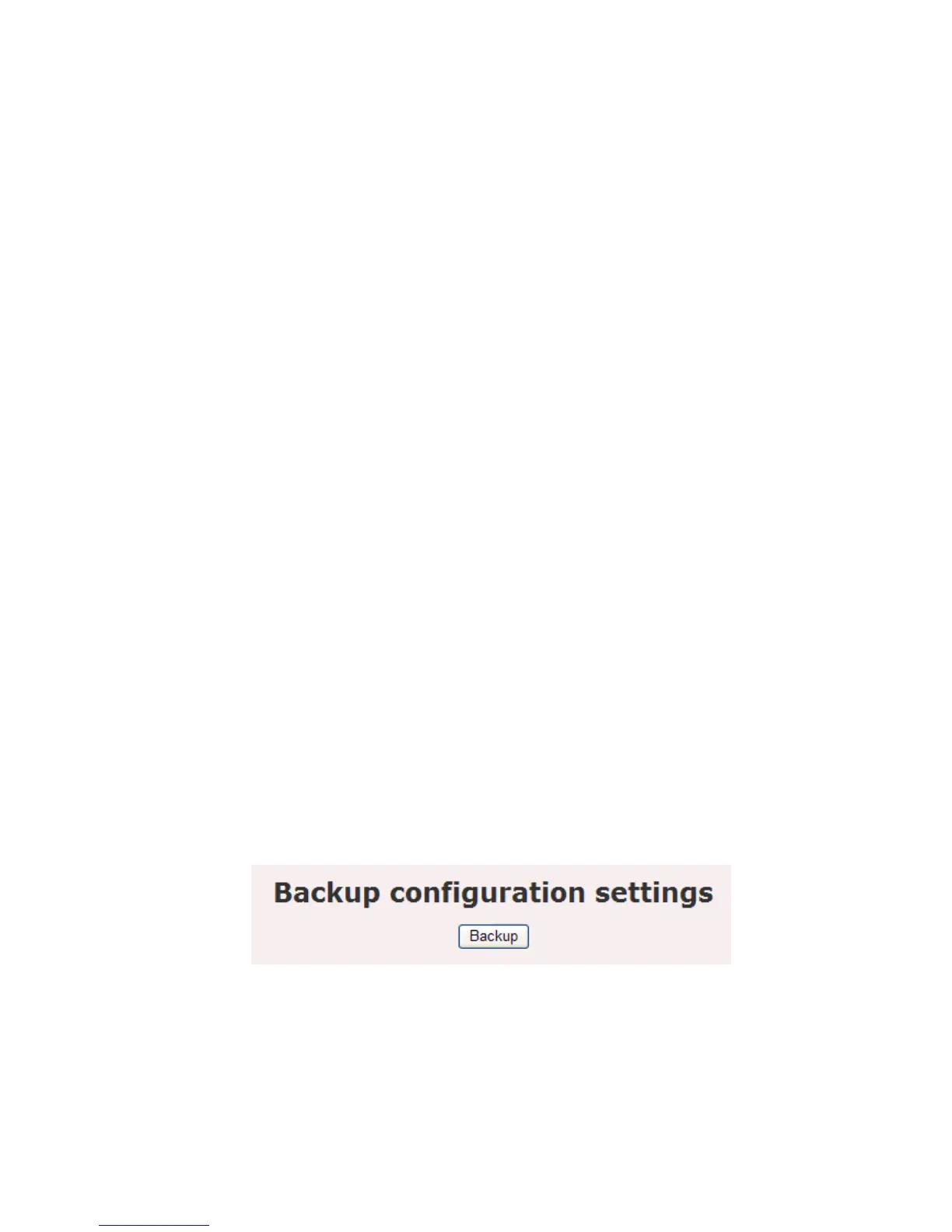
Backup: Click on the Backup button to begin.
Save the file on your local disk by using the Save or Save to Disk button in
the dialog box.















 To Next Page