3.8.4 Tools > TFTP
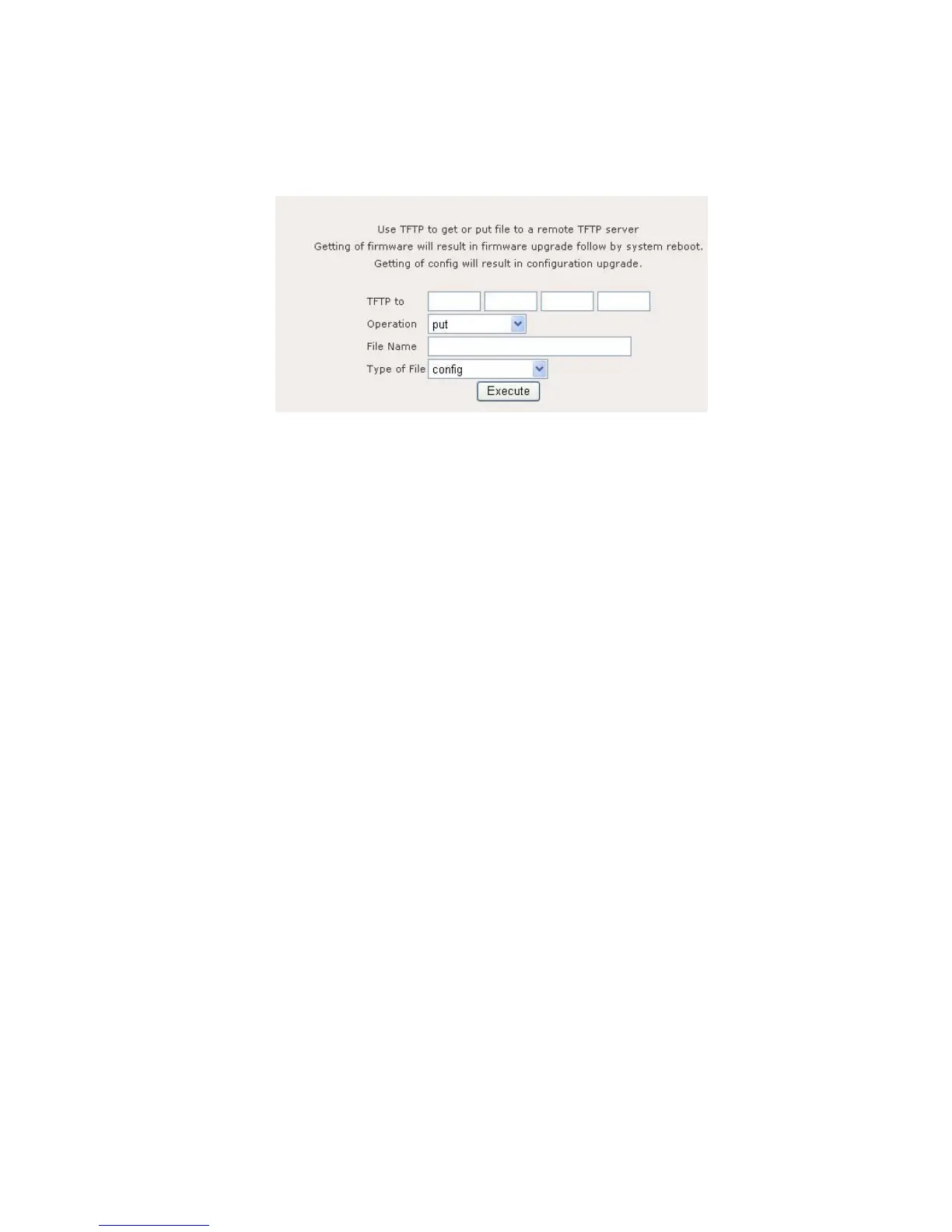
Figure 11.4.1 illustrates the TFTP page.
Figure 11.4.1: TFTP page
TFTP contains the following parameters:
TFTP to: Enter the destination IP address of remote TFTP server.
Operation: Select “put”, “get” or “get and reboot” file to remote TFTP server.
File Name: Enter the File Name to put or get.
Type of File – Select “config”, “firmware”, “ipsec x509 local”, “ipsec x509
remote”, or “ipsec rsa” file.
Execute button to perform directed action.















 To Next Page