3.2.3 Network > Routing
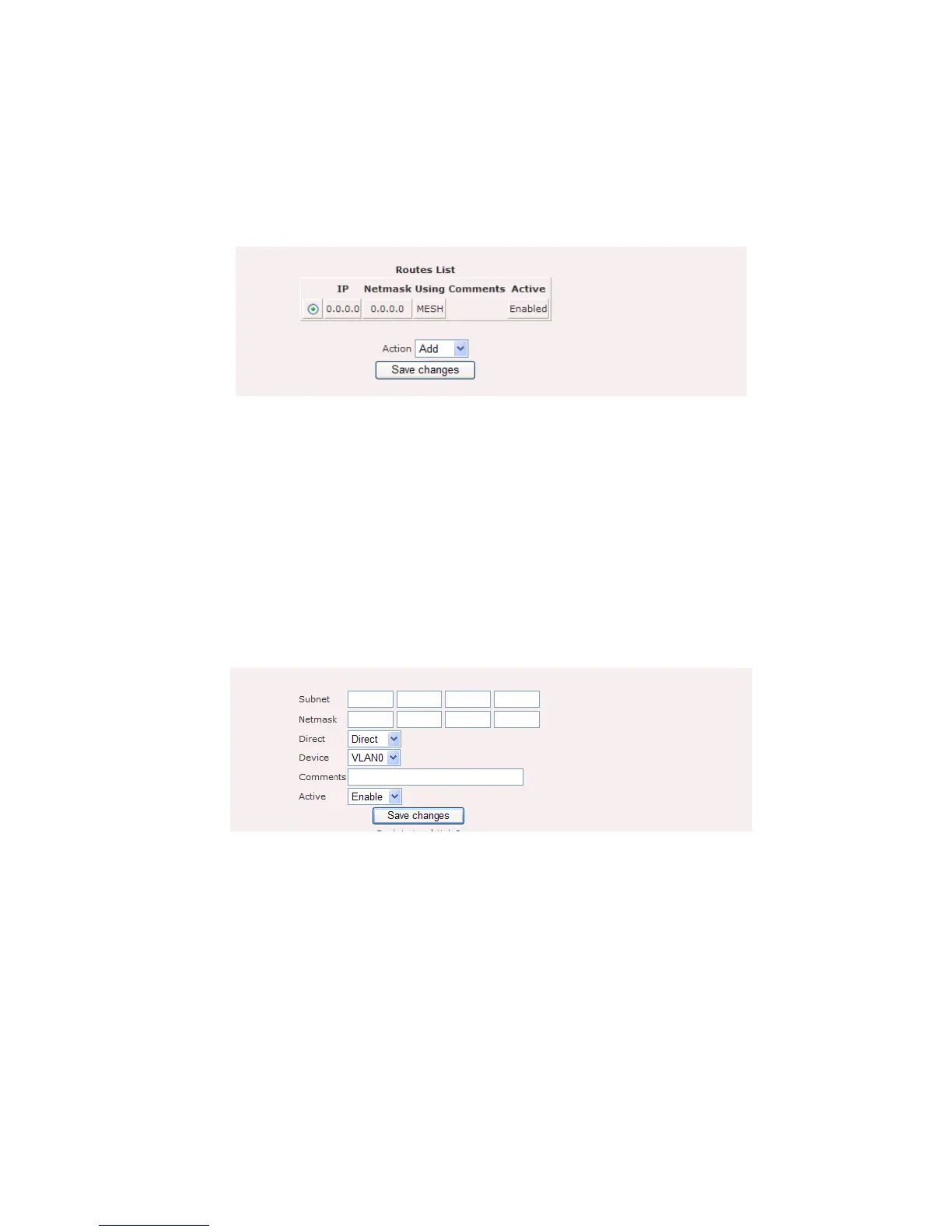
Routing refers to selecting paths in a network along which to send data. Figure 5.3.1
illustrates the route configuration page.
Figure 5.3.1: Routing configuration page
Route contains the following parameters:
Routes List: Display list of routes.
“Add” button to add new entry to the routes.
“Edit” button to edit current selection.
“Delete” button to delete current selection.
Figure 5.3.2 illustrates the add or edit page for route entry.
Figure 5.3.2: Routing – add or edit page
Routes – add page contain the following parameter:
Subnet: Enter the IP address of destination subnet.
Netmask: Enter the IP address of destination subnet network mask.
Direct: Click on “Direct” drop down menu to select “Direct” or “Indirect”
route.
Device: Click on “Device” drop down menu to select device. For example,
MESH, VLAN0, VLAN1……















 To Next Page