“Delete” button to edit current selection.
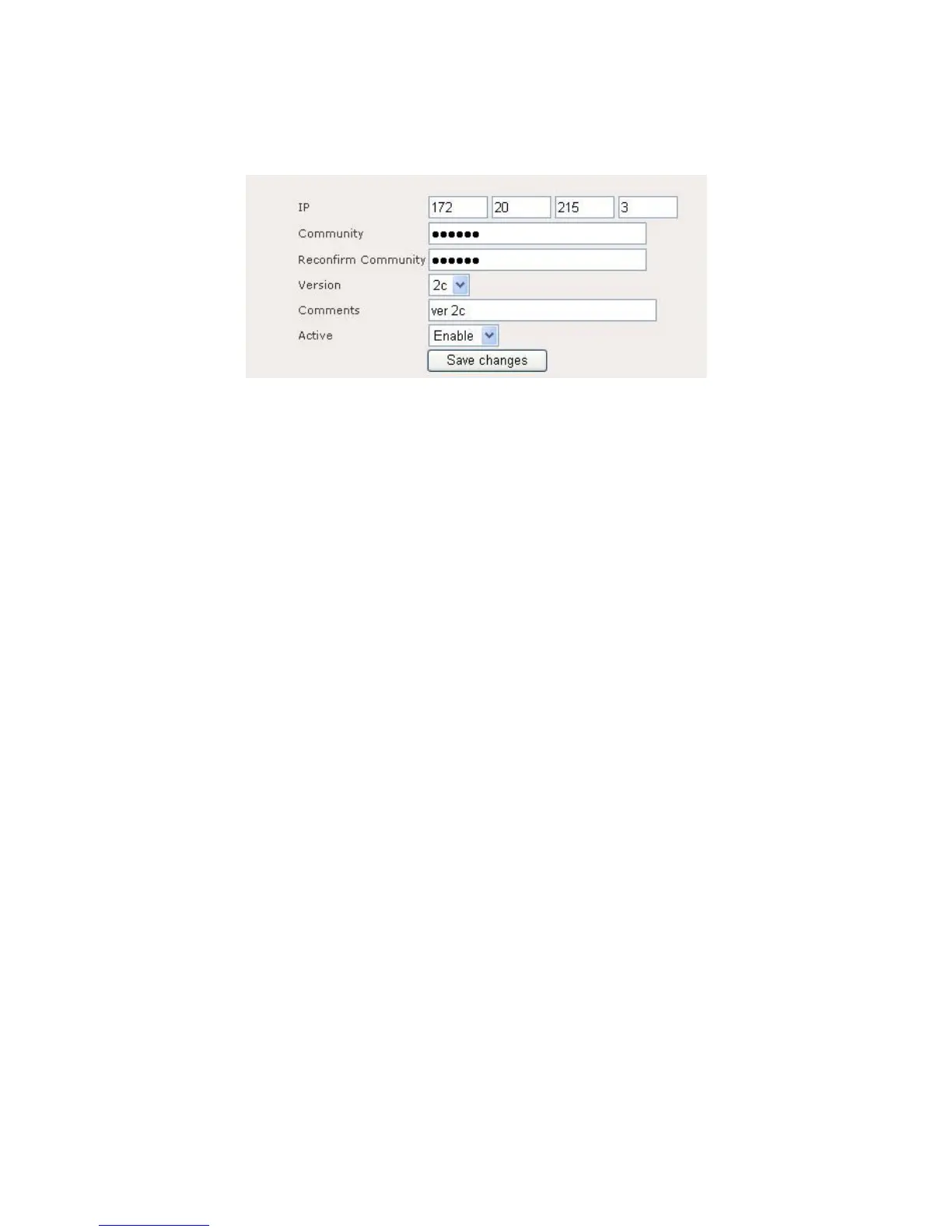
Figure 9.5.2 illustrates the configuration page for add or delete trap server.
Figure 9.5.2: Trap server – add or edit page
Trap server: add or edit page contain the following parameter:
IP: Enter destination IP to send trap.
Community: Enter community of trap.
Reconfirm Community: Re-enter community to confirm it.
Version: SNMP Version.
Comments: Enter Trap comments.
Active: Enable or disable this entry.
Click on the Save Changes button to store and changes and then reboot the
device in order for the changes to take effect.
3.6.6 System Management > Configuration
Click on the Configuration link in the navigation menu This section allows you to
upload a web-certificate to the device and manage the IPSec, RSA, and X509
certificates. Figure 9.6.1 illustrates the system configuration page for uploading a
web-certificate.















 To Next Page