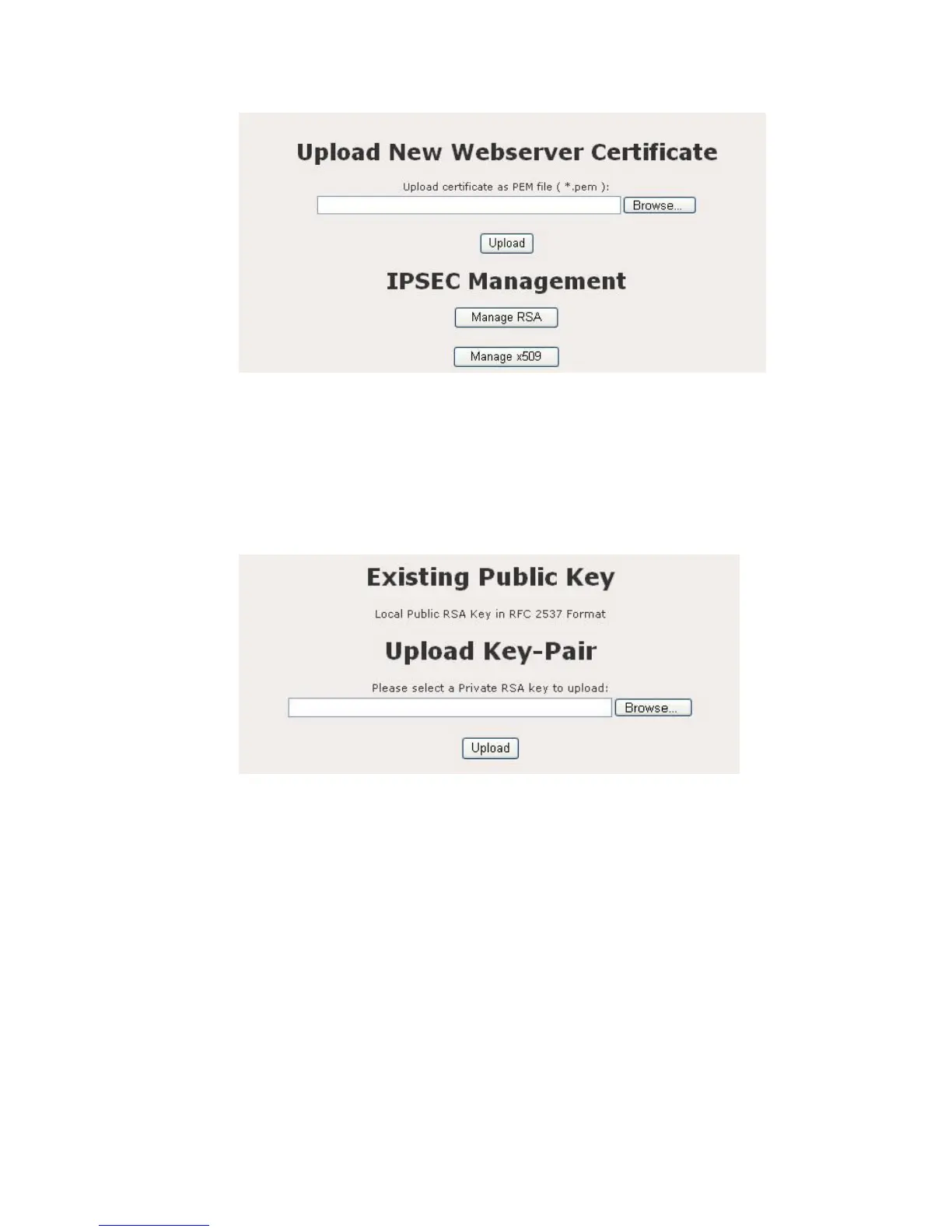
Figure 9.6.1: Configuration – Upload new webserver page
Upload New Webserver Certificate: Click on the Browse button to select
the certificate and then click on the Upload button.
Manage RSA: Click on the Manage RSA button to upload a private RSA key.
Figure 9.6.2 illustrates the Manage RSA configuration page.
Figure 9.6.2: Configuration – Manage RSA page
Upload Key-Pair: Click on the Browse button to select the certificate and
then click on the Upload button.
Manage X509: Click on the Manage X509 button to upload a local and
remote certificate from the CA (Certification Authority). Figure 9.6.3
illustrates the Manage X509 configuration page.















 To Next Page