3.3.3 Security > VLAN
A Virtual LAN is a network of computers that behave as if they are connected to the
same wire even though they may actually be physically located on different segments
of a LAN. VLANs are configured through software rather than hardware, which make
them extremely flexible. One of the biggest advantages of VLANs is that when a
computer is physically moved to another location, it can stay on the same VLAN
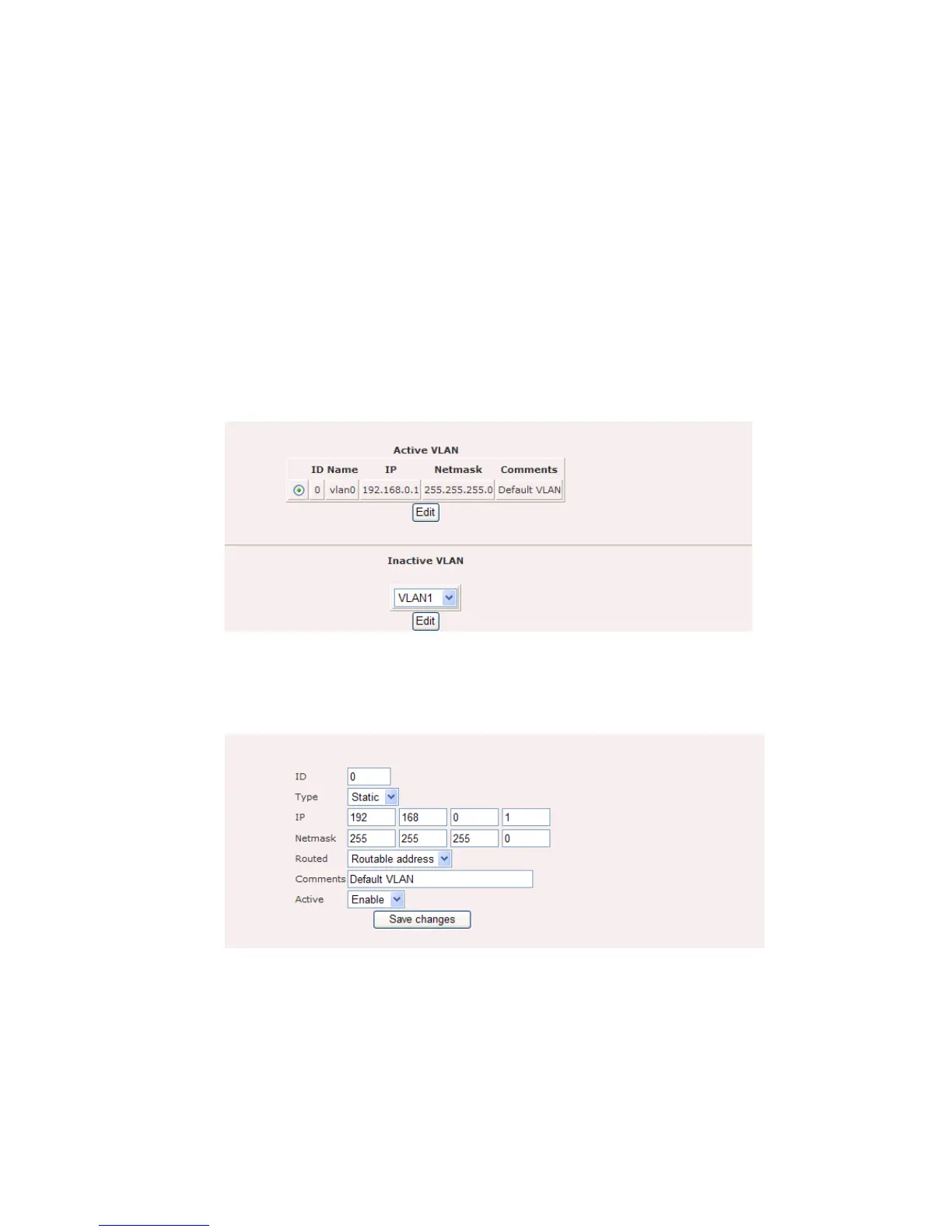
without any hardware reconfiguration. Figure 6.3.1 and Figure 6.3.2 illustrate the
VLAN configuration page.
Figure 6.3.1: VLAN configuration page
Click on the Edit button to modify the existing VLAN.
Figure 6.3.2: VLAN configuration page
ID: Specify the VLAN tag ID.
Type: Select the VLAN type from the drop-down list.
IP: Specify the IP address for the VLAN tag.















 To Next Page