3.9 Status
3.9.1 Status > System
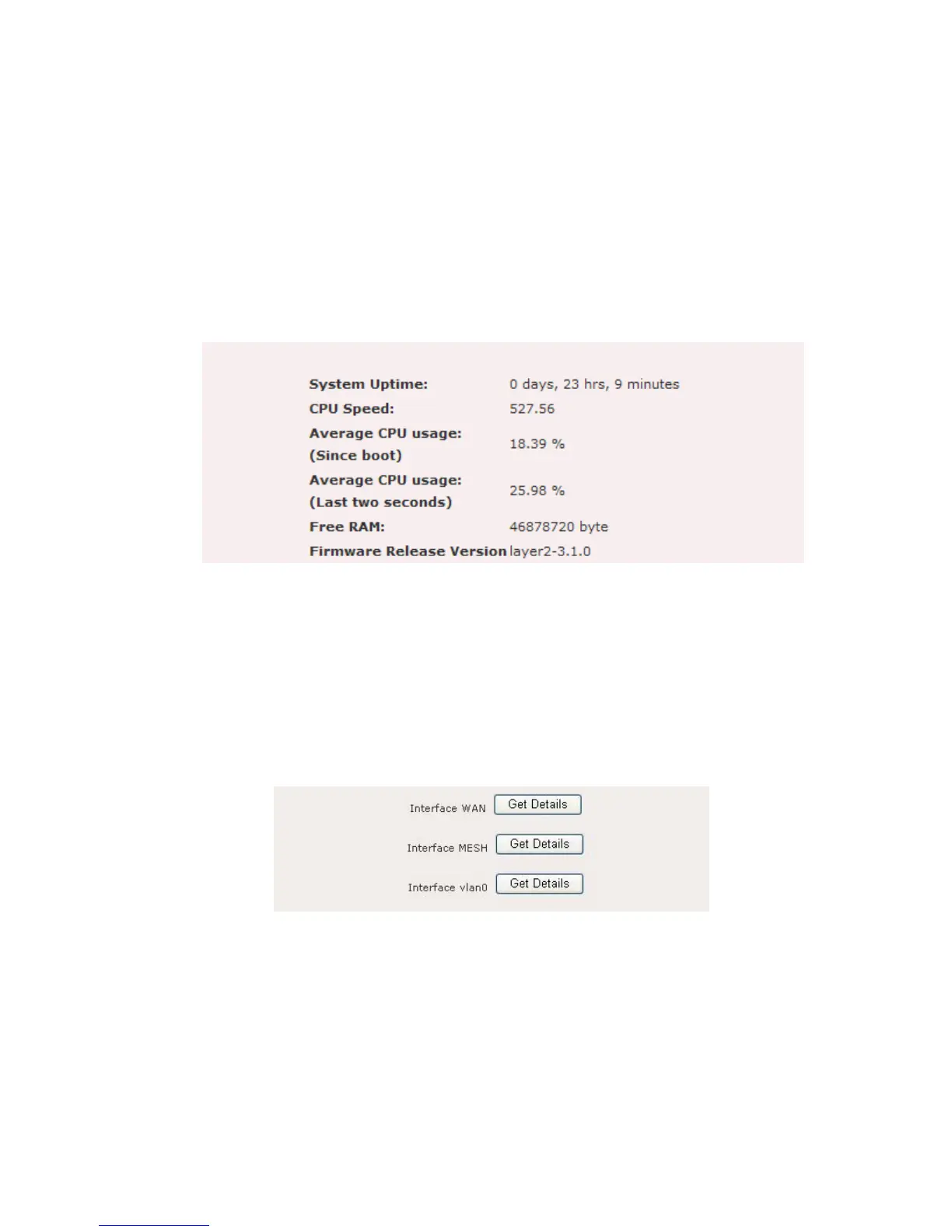
Click on the Status link on the navigation drop-down menu. This option displays the
system uptime, CPU speed, free RAM, and firmware version. Figure 12.1.1 illustrates
the system status page.
Figure 12.1.1: System Status page
3.9.2 Status > Interfaces
Click on the Interfaces link on the navigation drop-down menu. This option displays
the details of the WAN, MESH, and VLAN0 interface. Figure 12.2.1 illustrates the
interface page. Active interface will be listed under the interface page.
Figure 12.2.1: Interface page
Click on the Get Details button for the WAN interface. This section displays the
hardware MAC address, IP type, IP address, broadcast address, netmask, MTU, and
Tx/Rx packet information. Figure 12.2.2 illustrates the WAN interface page.















 To Next Page