“Edit” button to edit current selection.
“Delete” button to edit current selection.
Click on the Save Changes button to store and changes and then reboot the
device in order for the changes to take effect.
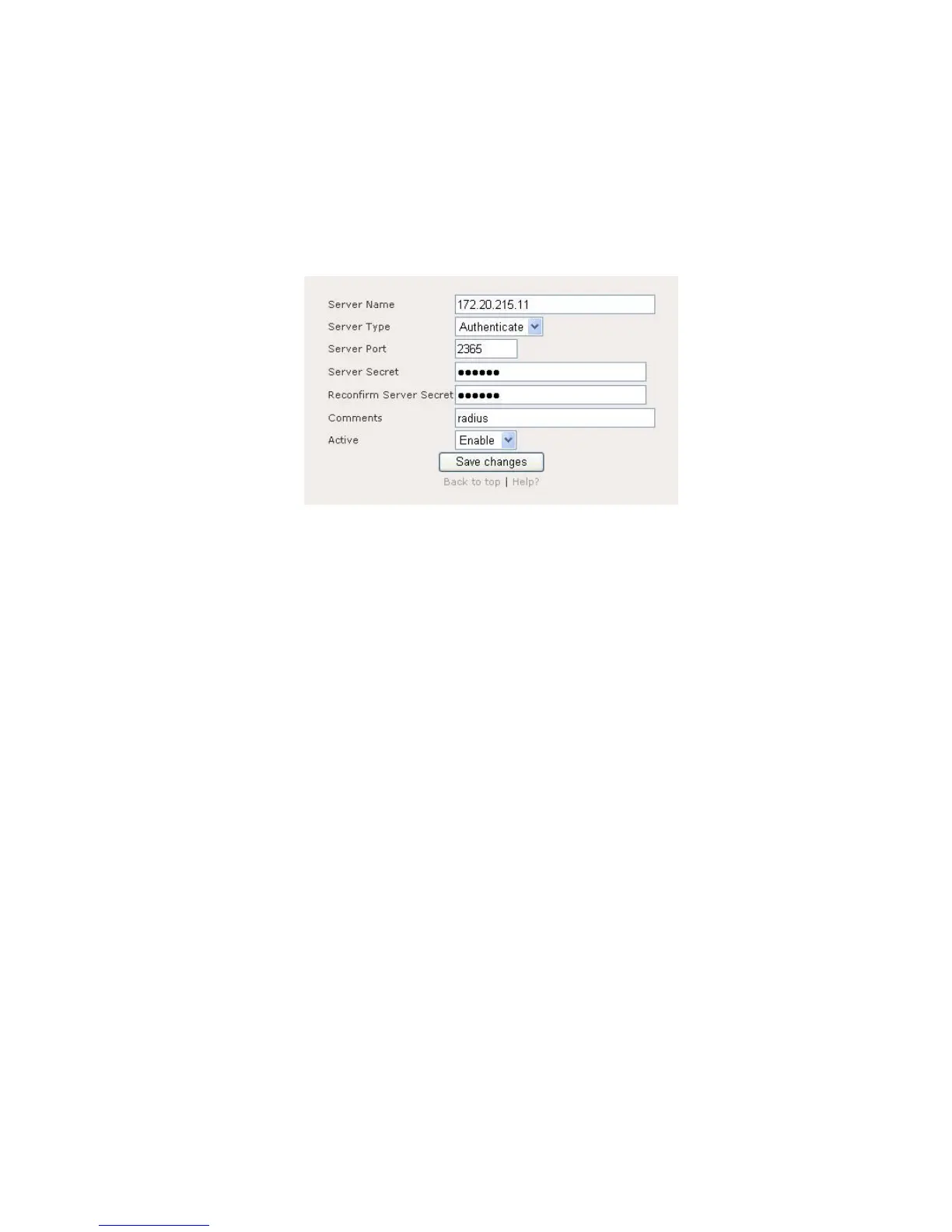
Figure 10.1.2 illustrates the add or edit page for RADIUS entry.
Figure 10.1.2: RADIUS server – add or edit page
RADIUS server: add or edit page contain the following parameter:
Server Name: Enter the RADIUS server name.
Server Type: Click on “Server Type” drop down menu to select
“Authenticate” or “Accounting” server type.
Server Port: Enter the number of Server Port.
Server Secret: Enter the Server Secret.
Reconfirm Server Secret: Re-enter the Server Secret to confirm it.
Comments: Enter RADIUS server comments.
Active: Enable or disable this entry.
Click on the Save Changes button to store and changes and then reboot the
device in order for the changes to take effect.















 To Next Page