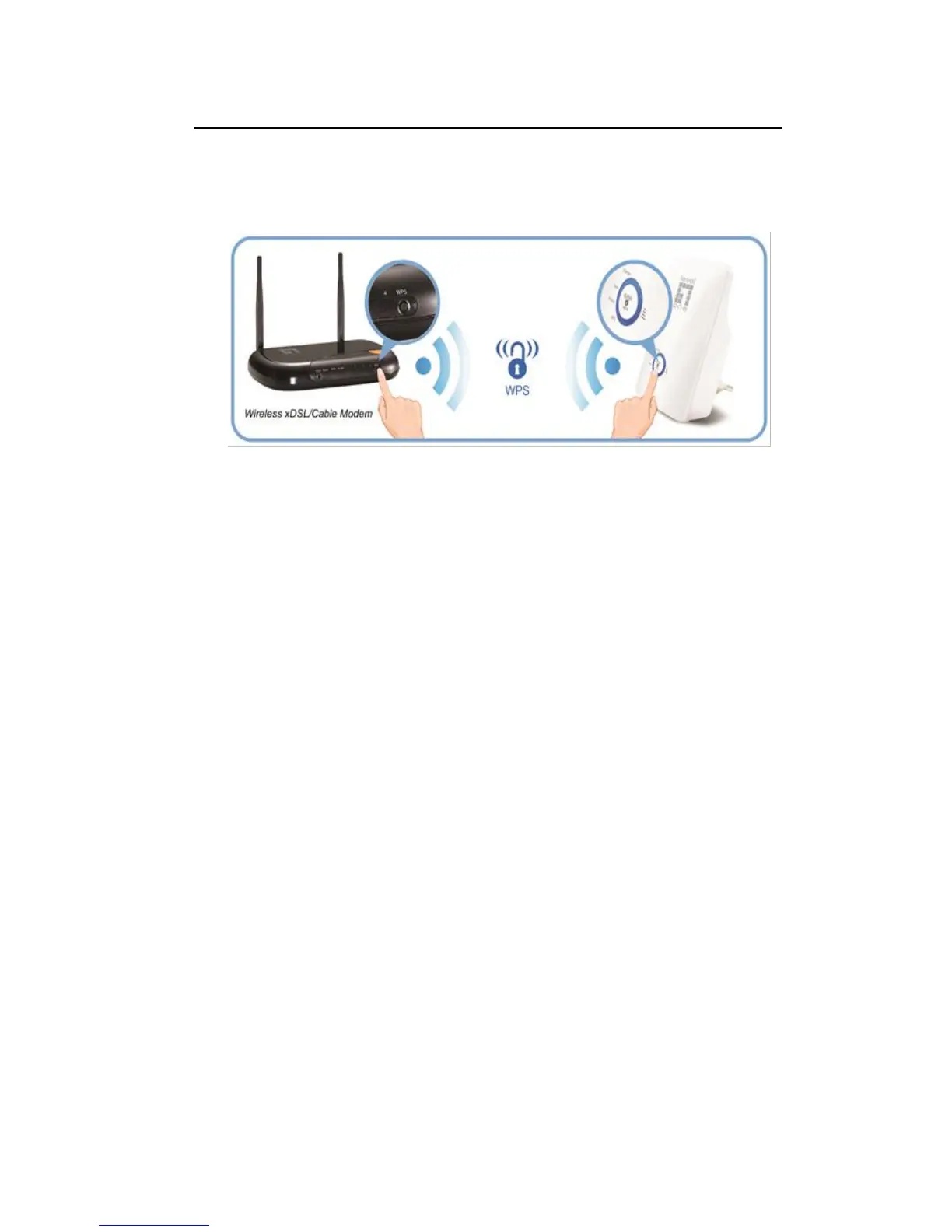
WPS Pairing between 11n Repeater and Wireless xDSL/Cable Modem
This section describes how to do WPS Pairing between 11n Repeater and Wireless
xDSL/Cable.
The diagram below illustrates the hardware connections. The layout of the ports on your
device may vary from the layout shown. Refer to the steps that follow for specific instructions.
Step 1. Press WPS button on Wireless xDSL/Cable Modem.
Step 2. Press WPS button on 11n Repeater for 3 seconds and release WPS button.
Now the WPS LED is blinking and the 11n Repeater is donig WPS Pairing with
Wireless xDSL/Cable Modem.
Make sure to press the button within 120 seconds (2 minutes) after pressing the
Wireless xDSL/Cable Modem's WPS button.
Step 3. Once the 11n Repeater finished doing WPS Pairing with Wireless
xDSL/Cable Modem, the Wifi Signal Strength LED is ON. The status of Wifi signal
strength LED varies depending on the Wifi signal strength between 11n Repeater and
Wireless xDSL/Cable Modem.
Step 4. Check if the Wifi Signal Strength LED of 11n Repeater is ON, the 11n
Repeater is connected and suitable for Internet Connections.
Step 5. Check if the Wifi Signal Strength is OFF, the 11n Repeater isn’t connected
and suitable for Internet Connections. Please repeat steps of WPS Pairing or follow
next step to have it connected and suitable for Internet Connections.



 To Next Page