On Wireless Signal Strength
Off: No WLAN link
On: WLAN link established and active
Blink: Valid Wireless packet being transferred
Off: WPS link isn’t established and active
Blink: Valid WPS packet being transferred
On: LAN link established and active
Off: No LAN link
Blink: Valid Ethernet packet being transferred
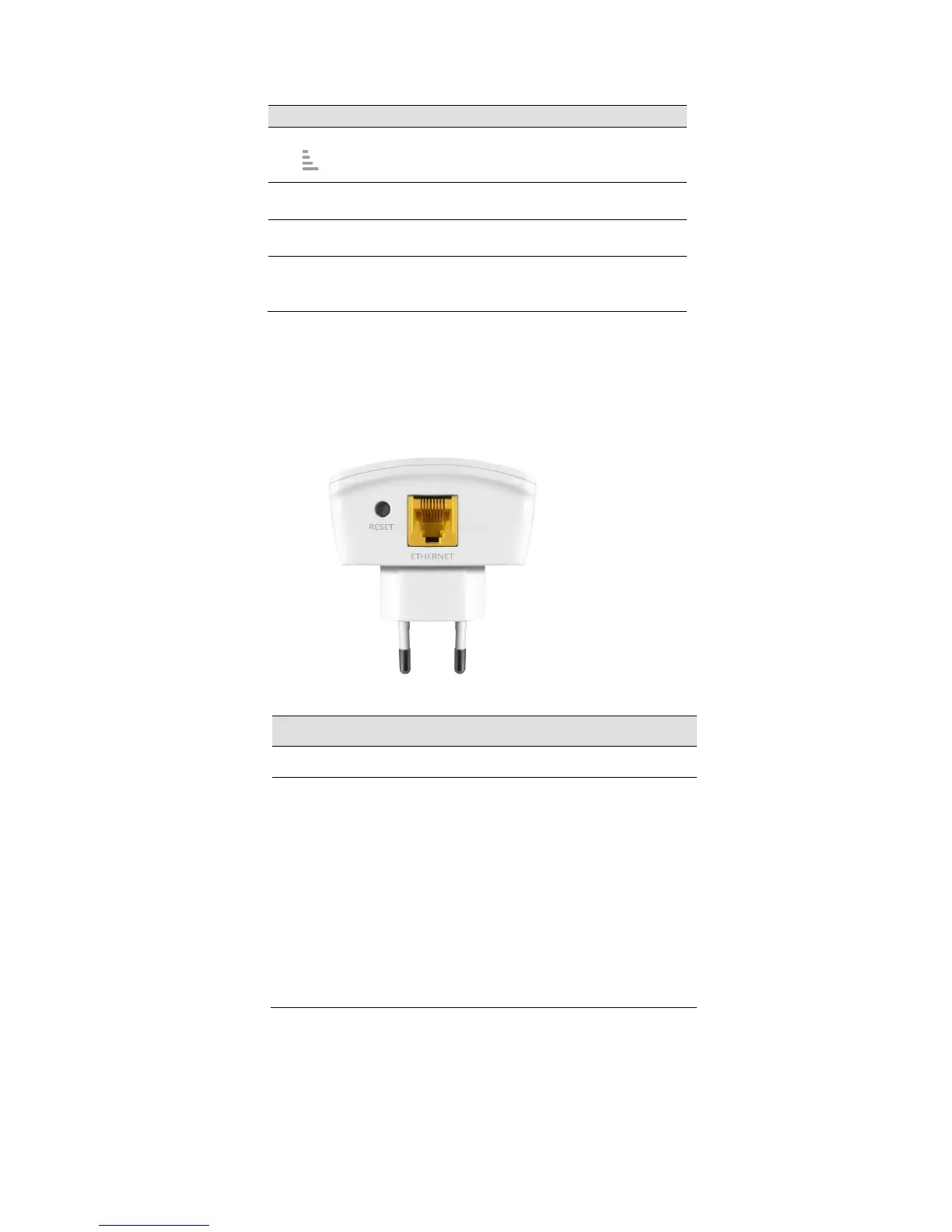
Rear and Left Panel and bottom Side
The rear and right panel and bottom side contains a Restore Defaults button, the ports for the
unit's data and power connections.
Connects the device via LAN Ethernet to a PC
WPS
Press this button for 3 full seconds and the
WPS LED will flash to start WPS.
Now go to the wireless adapter or device and
press its WPS button. Make sure to press the
button within 120 seconds (2 minutes) after
pressing the router's WPS button.
RESET
Reset button. RESET the 11n Repeater to its default
settings.
Press this button for at least 3 full seconds to RESET
device to its default settings.



 To Next Page