8 Quick Setup
The Quick Setup page displays useful information about the setup of your device,
including:
details of the device’s Internet access settings
details of the device’s VoIP settings
details of the device’s Wireless settings
To display this page:
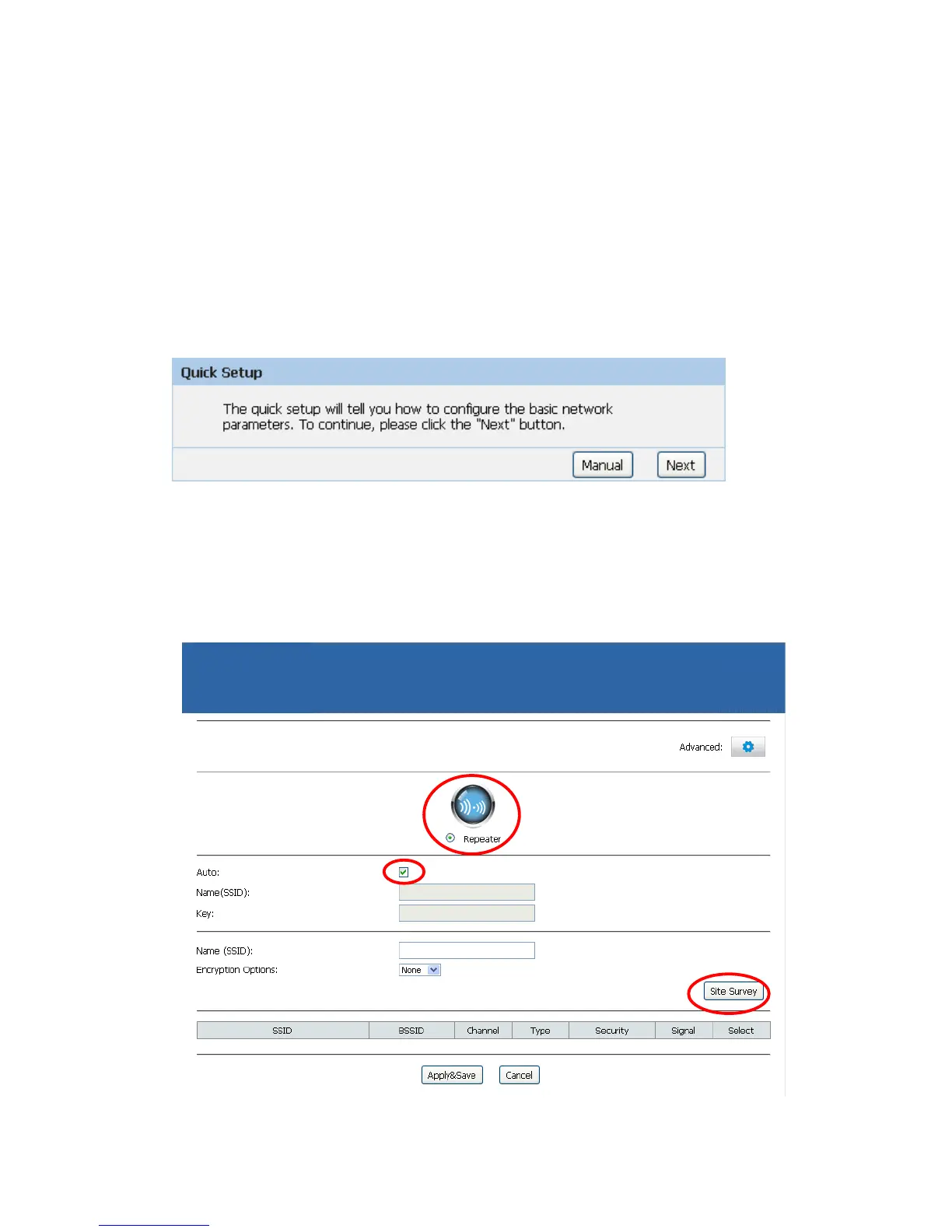
From the head menu, click on Setup. The following page is displayed:
Figure 2: Quick Setup page
Repeater Mode
Check on Repeater ratio
Check on Auto checkbox.
Click on Site Survey button and wait for 5 seconds for site surveying.



 To Next Page