Troubleshooting Suggestion
I forgot/lost my user
ID or password.
If you have not changed the password from
the default, try using “admin” the user ID
and “administrator“ as password. Otherwise,
you can reset the device to the default
configuration by pressing the Reset Default
button on the Rare panel of the device (see
Rare Panel). Then, type the default User ID
and password shown above. WARNING:
Resetting the device removes any custom
settings and returns all settings to their
default values.
I cannot access the
web pages from my
browser.
Use the ping utility, discussed in the
following section, to check whether your PC
can communicate with the device’s LAN IP
address (by default 10.0.0.2). If it cannot,
check the Ethernet cabling.
Verify that you are using Internet Explorer or
Netscape Navigator v4.0 or later.
Verify that the PC’s IP address is defined as
being on the same subnet as the IP address
assigned to the LAN port on the Wireless
Gateway.
My changes to the
web pages are not
being retained.
Be sure to use the Confirm Changes/Apply
function after any changes.
iagnosing Problem using IP Utilities
ping
Ping is a command you can use to check whether your PC can recognize other
computers on your network and the Internet. A ping command sends a message to
the computer you specify. If the computer receives the message, it sends messages
in reply. To use it, you must know the IP address of the computer with which you
are trying to communicate.
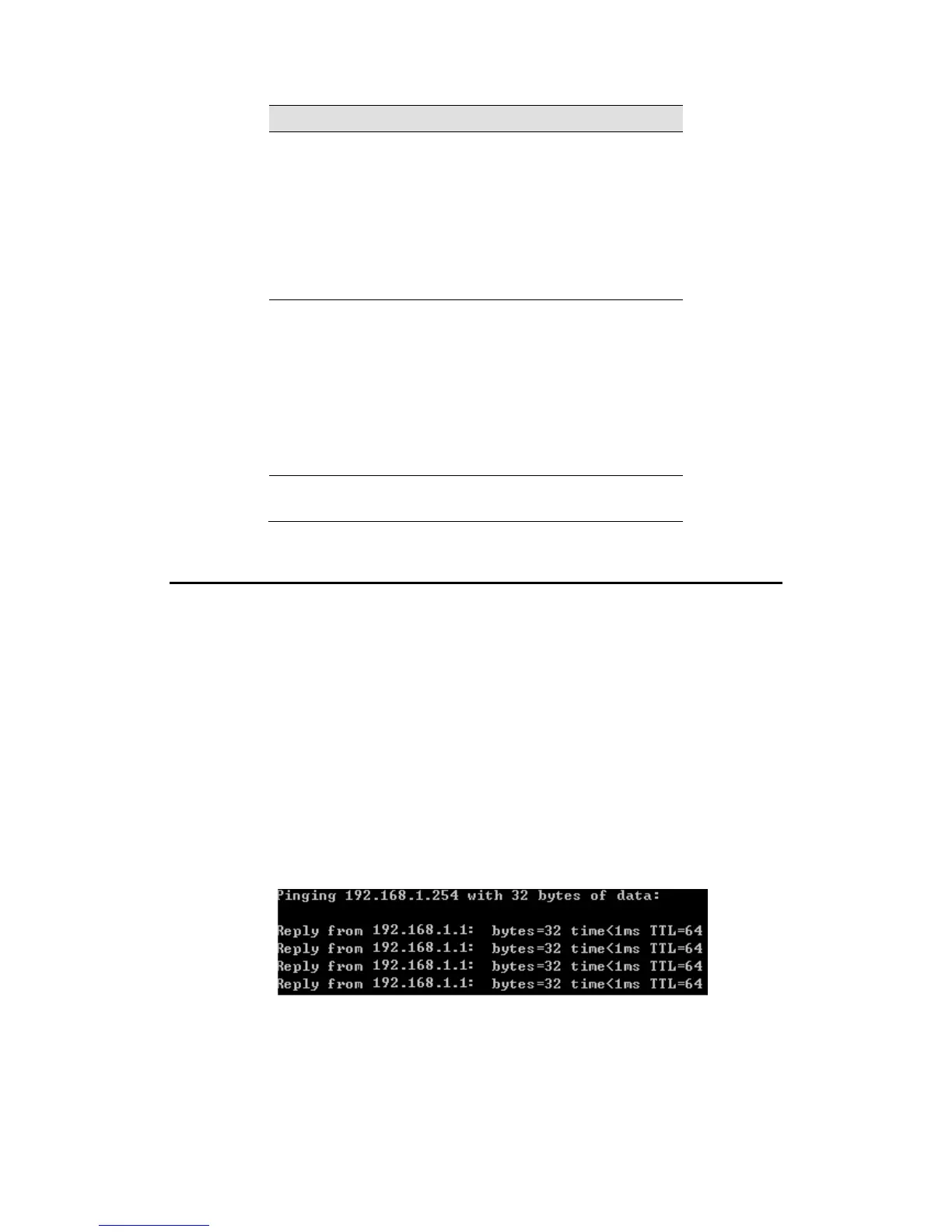
On Windows-based computers, you can execute a ping command from the Start
menu. Click the Start button, and then click Run. In the Open text box, type a
statement such as the following:
ping 192.168.1.1
Click OK. You can substitute any private IP address on your LAN or a public IP
address for an Internet site, if known.
If the target computer receives the message, a Command Prompt window is
displayed:
Figure 6: Using the ping Utility
If the target computer cannot be located, you will receive the message Request timed out.
Using the ping command, you can test whether the path to the Wireless Gateway is working
(using the preconfigured default LAN IP address 192.168.1.1) or another address you
assigned.



 To Next Page