7 Getting Started with the Web pages
The Wireless Gateway includes a series of Web pages that provide an interface to the
software installed on the device. It enables you to configure the device settings to meet the
needs of your network. You can access it through your web browser from any PC
connected to the device via the LAN ports.
Accessing the Web pages
To access the Web pages, you need the following:
A PC or laptop connected to the LAN port on the device.
A web browser installed on the PC.
The minimum browser version requirement is Internet Explorer v4 or Netscape v4. For the
best display quality, use latest version of Internet Explorer, Netscape or Mozilla Fire fox.
From any of the LAN computers, launch your web browser, type the following URL in the
web address (or location) box, and press [Enter] on your keyboard:
http://192.168.1.1
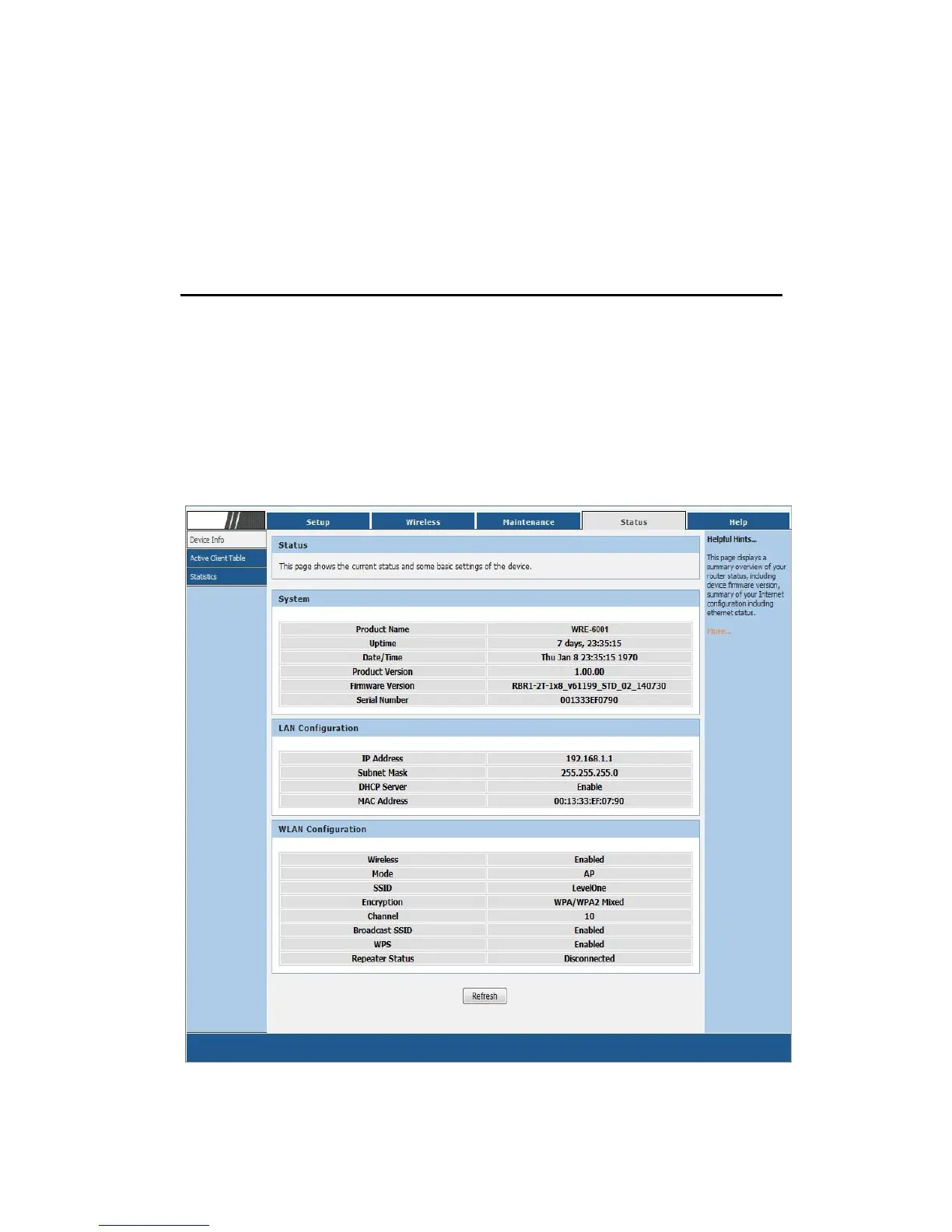
The Status homepage for the web pages is displayed:
Figure 1: Homepage



 To Next Page