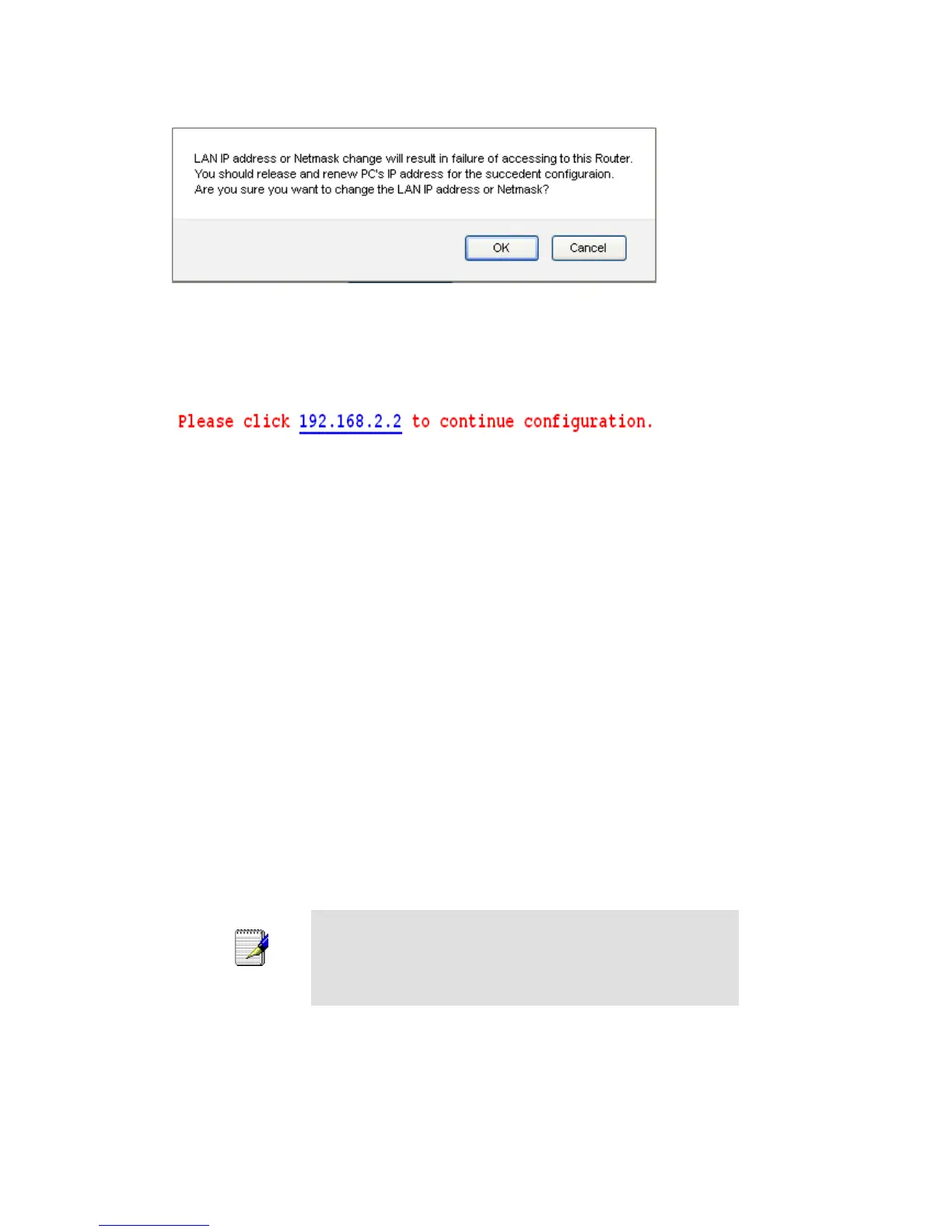
4. Click OK.
5. Type IP Address and Change default LAN port IP address.
6. Click in the IP Address and Subnet Mask box and type a new IP Address and Subnet Mask.
7. Change the default DHCP Client Range.
8. Click Apply Changes.
You may also need to renew your DHCP lease:
Windows 95/98
a. Select Run... from the Start menu.
b. Enter winipcfg and click OK.
c. Select your ethernet adaptor from the pull-down menu
d. Click Release All and then Renew All.
e. Exit the winipcfg dialog.
Windows NT/Windows 2000/Windows XP
a. Bring up a command window.
b. Type ipconfig /release in the command window.
c. Type ipconfig /renew.
d. Type exit to close the command window.
Linux
a. Bring up a shell.
b. Type pump -r to release the lease.
c. Type pump to renew the lease.
If you change the LAN IP address of the device while connected
through your Web browser, you will be disconnected. You must
open a new connection by entering your new LAN IP address as
the URL.



 To Next Page