(Note that if you are using certain browsers (such as Opera 7) the Browse button is labeled
Choose.)
Use the Choose file box to navigate to the relevant directory where the firmware version is saved.
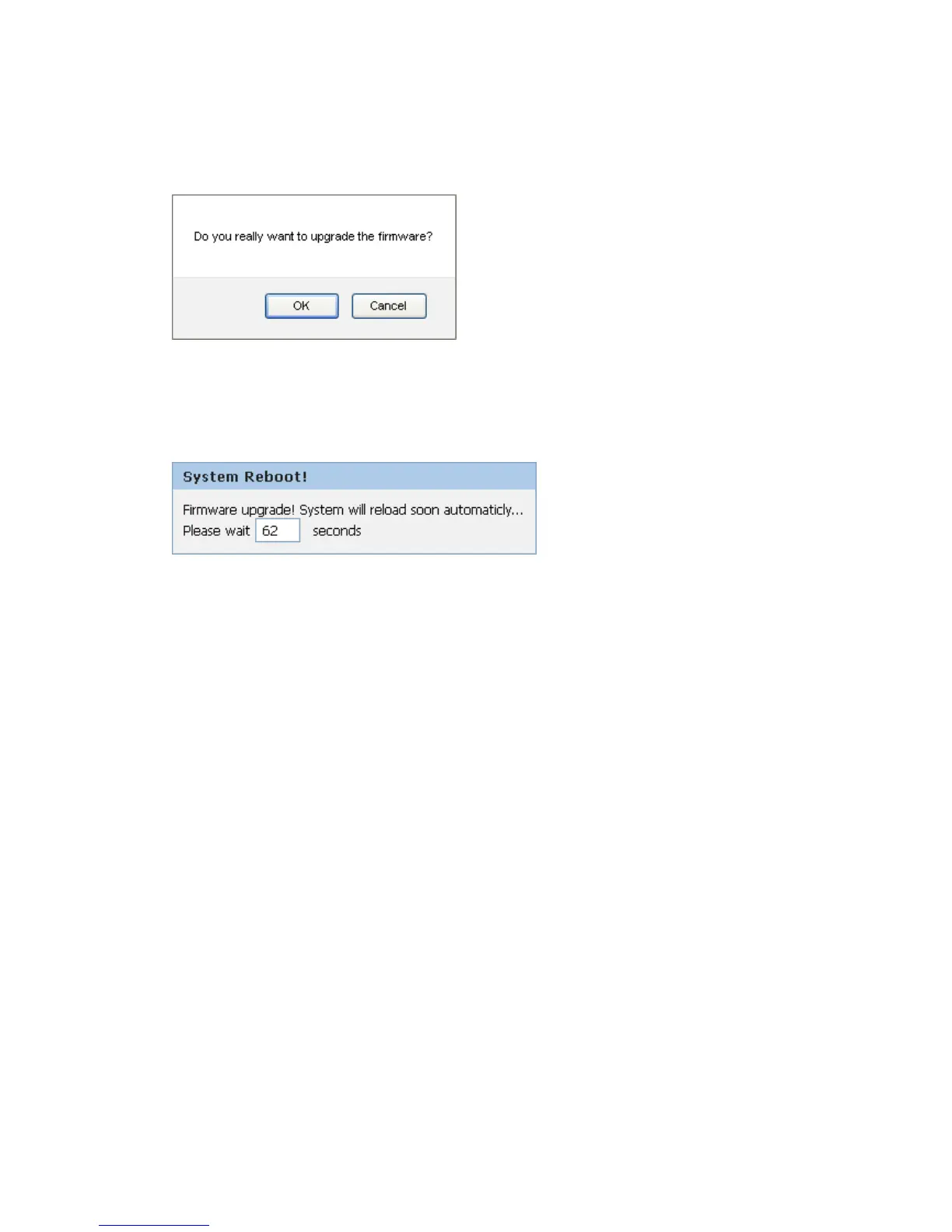
6. Click OK.
7. The device checks that the selected file contains an updated version of firmware. A status
screen pops up, please wait for a while…….
8. The device checks that the selected file contains an updated version of firmware. A status
screen pops up, please wait for a while…….



 To Next Page