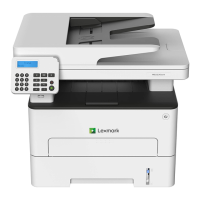
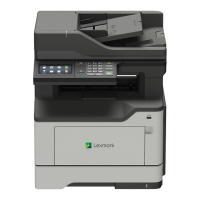
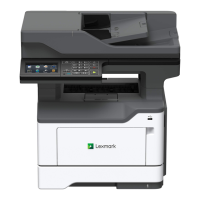
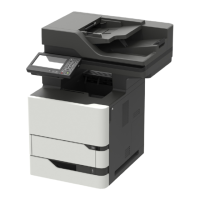
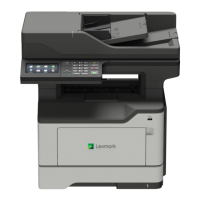
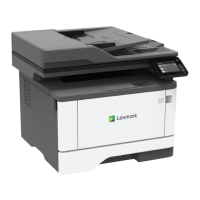
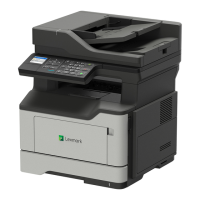
Part number and kit Contents
41X1226—Maintenance Kit (220 V)
• 41X1179—Fuser (220 V)
• 41X1197—MPF pick roller and separator pad
• 41X1198—Pick tires
• 41X1212—Separator roller assembly
• 40X8393—Transfer roller
When performing the 200K scheduled maintenance procedure, the following areas should be cleaned of media
dust and toner contamination:
• Media trays
• Imaging unit area
• Transfer roller area
• Duplex area
• Standard bin
Resetting the maintenance counter
Always reset the maintenance counter after installing the maintenance kit.
To reset the maintenance counter:
1 POR into the Configuration menu, and navigate to Reset Maintenance Counter.
2 Depending on the printer model, press OK or touch to reset the counter, or press X to exit without
resetting the counter.
Once initiated, the operation cannot be canceled.
Lubrication specification
Lubricate only when the parts are replaced or if necessary, not on a scheduled basis. The use of lubricants
other than those
specified
in this service manual may cause premature failure. Some unauthorized lubricants
may chemically attack polycarbonate parts. Use Grease P/N 99A0394 Nyogel 744.
7018
Maintenance
382


 To Next Page