EasyManua.ls Logo

LG 42PB4D - Advanced - Black( Darkness) Level

LG 42PB4D
152 pages
Print Icon
To Next Page IconTo Next Page
To Previous Page IconTo Previous Page
Loading...
PICTURE CONTROL
102
PICTURE CONTROL
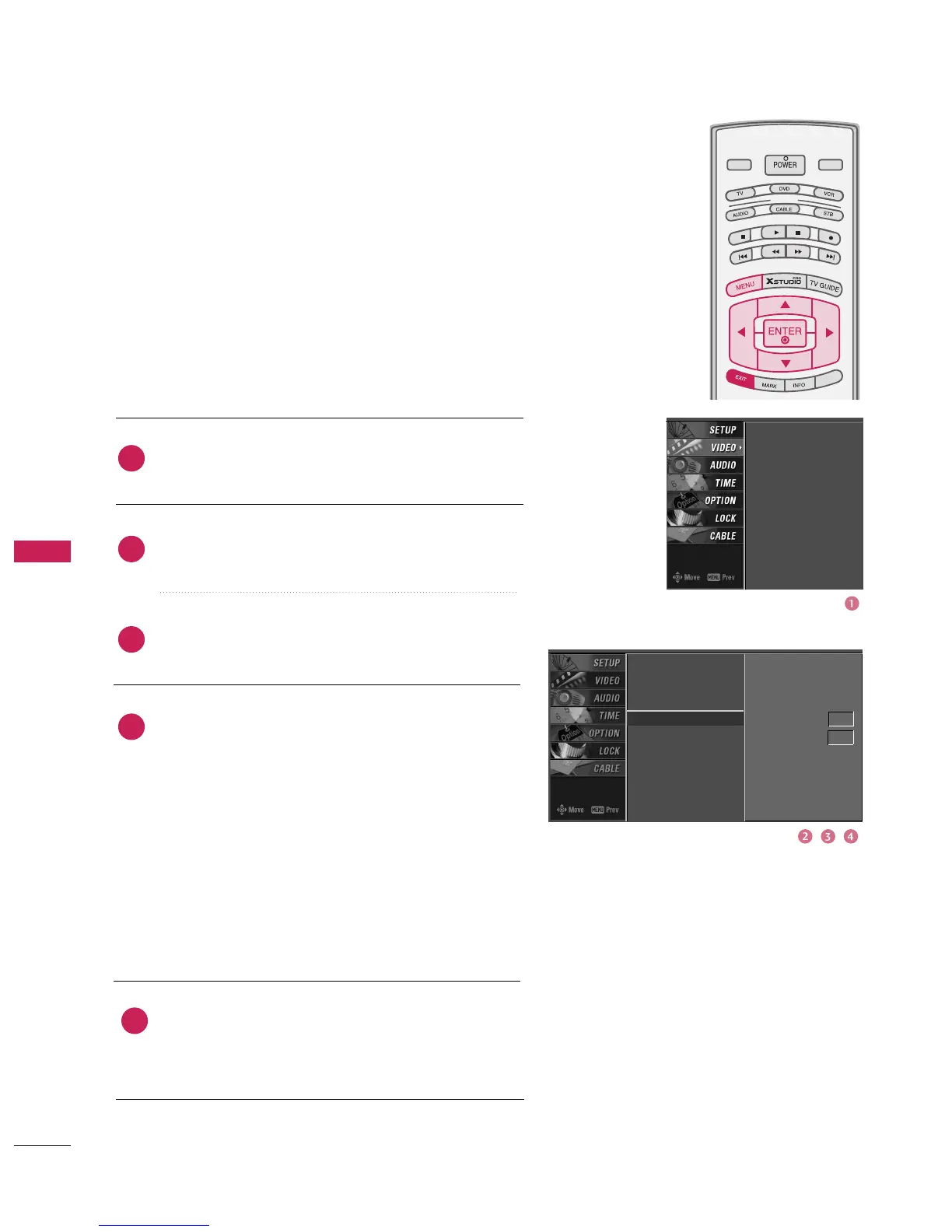
ADVANCED-BLACK(DARKNESS) LEVEL
MODE
LIVE TV
INPUT
DAY -
DAY +
S
IMPL
IN
K
Press the
MENU
button and then use
D
or
E
button
to select the
VIDEO
menu.
Press the
G
button and then use
D
or
E
button to
select
Advanced
.
Press the
G
button and then use
D
or
E
button to
select
Black level
.
Press the
G
button and then use
D
or
E
button to
select
Auto
,
Low
, or
High
.
Auto
Realizing the black level of the screen and set it to
High or Low automatically.
Low
The reflection of the screen gets darker.
High
The reflection of the screen gets brighter.
Press
EXIT
button to return to TV viewing or press
MENU
button to return to the previous menu.
Adjusting the contrast and the brightness of the screen
using the black level of the screen.
This feature operates only in HDMI1/DVI, HDMI2 or AV1,
AV2 mode.
EZ Picture
Color Temperature
XD
Advanced
G
Video Reset
EZ Picture
Color Temperature
XD
Advanced
Video Reset
Cinema 3:2 Mode Off
Black Level Auto
2
3
4
5
1

Table of Contents

Related product manuals