DVR (DIGITAL VIDEO RECORDER)
82
DVR (DIGITAL VIDEO RECORDING)
MODE
LIVE TV
INPUT
DAY -
D
AY +
SIMPLINK
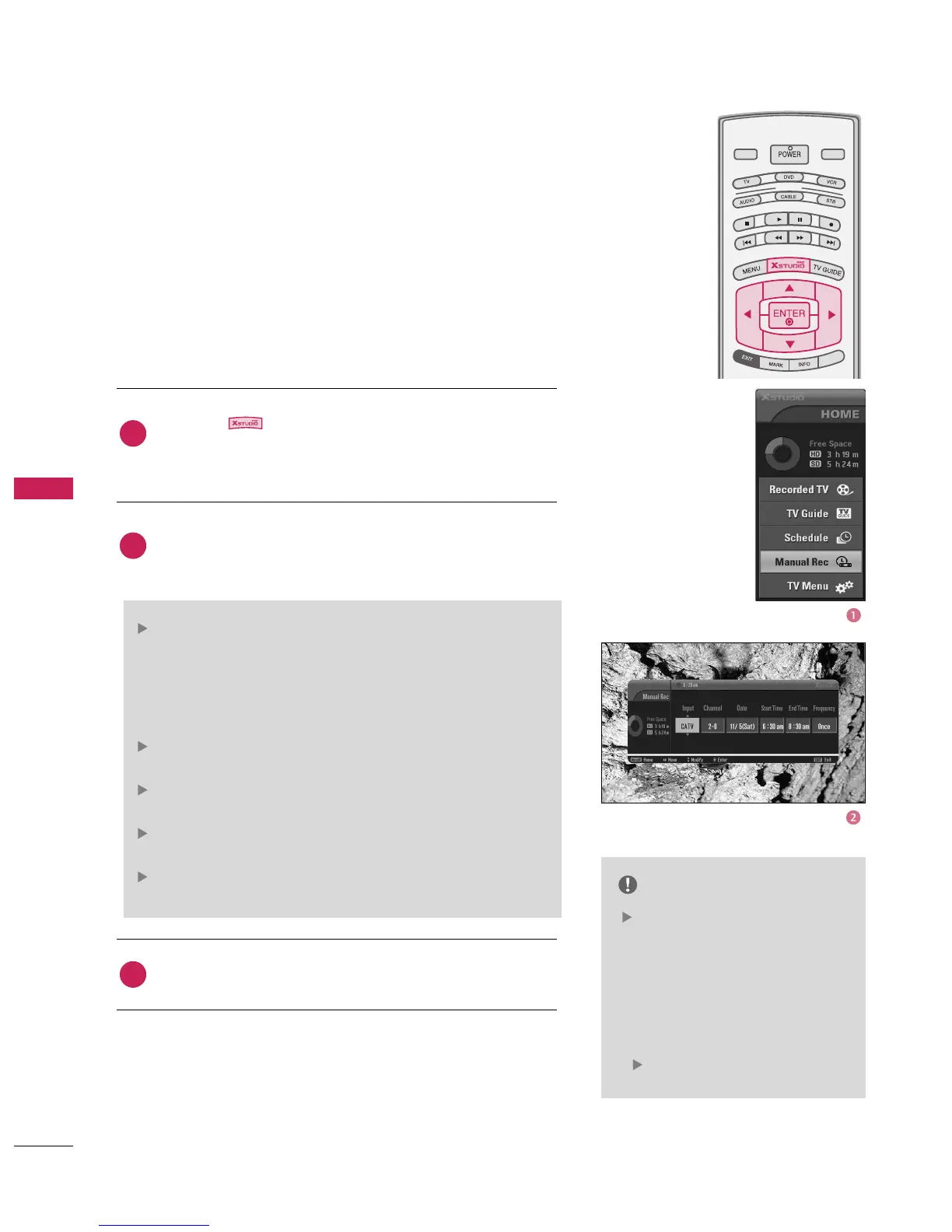
Press the button to display
screen is displayed as shown below.
Use the
: Select the input source from the available options
(TV, DTV, CATV, CADTV, AV1, AV2, Component1,2).
Note: If the TV Guide On Screen is Setup only for antenna :
CATV and CADTV are not available, and if the TV Guide On
Screen is Setup only for cable : TV and DTV are not available.
: Select either the current channel or a scanned
channel.
: You can select a date up to one month in the
future.
: Ensure you have set AM or PM
correctly.
: Choose among Once, Daily and Weekly.
NOTE
You can see scheduled detail
information on the SCHEDULE
menu of the TV Guide On
Screen.
• You can also set the manual
recording in the Schedule Options
panel menu of the SCHEDULE.
(
p.65)
2
3
1
This function is easy to register to reserved recording.
- In order to use this feature, you must first setup the TV Guide
On Screen system.
PROGRAMMED RECORDING



 To Next Page