EasyManua.ls Logo

LG 42PB4D - Bbe -Sound Improvement Technology

LG 42PB4D
152 pages
Print Icon
To Next Page IconTo Next Page
To Previous Page IconTo Previous Page
Loading...
SOUND & LANGUAGE CONTROL
111
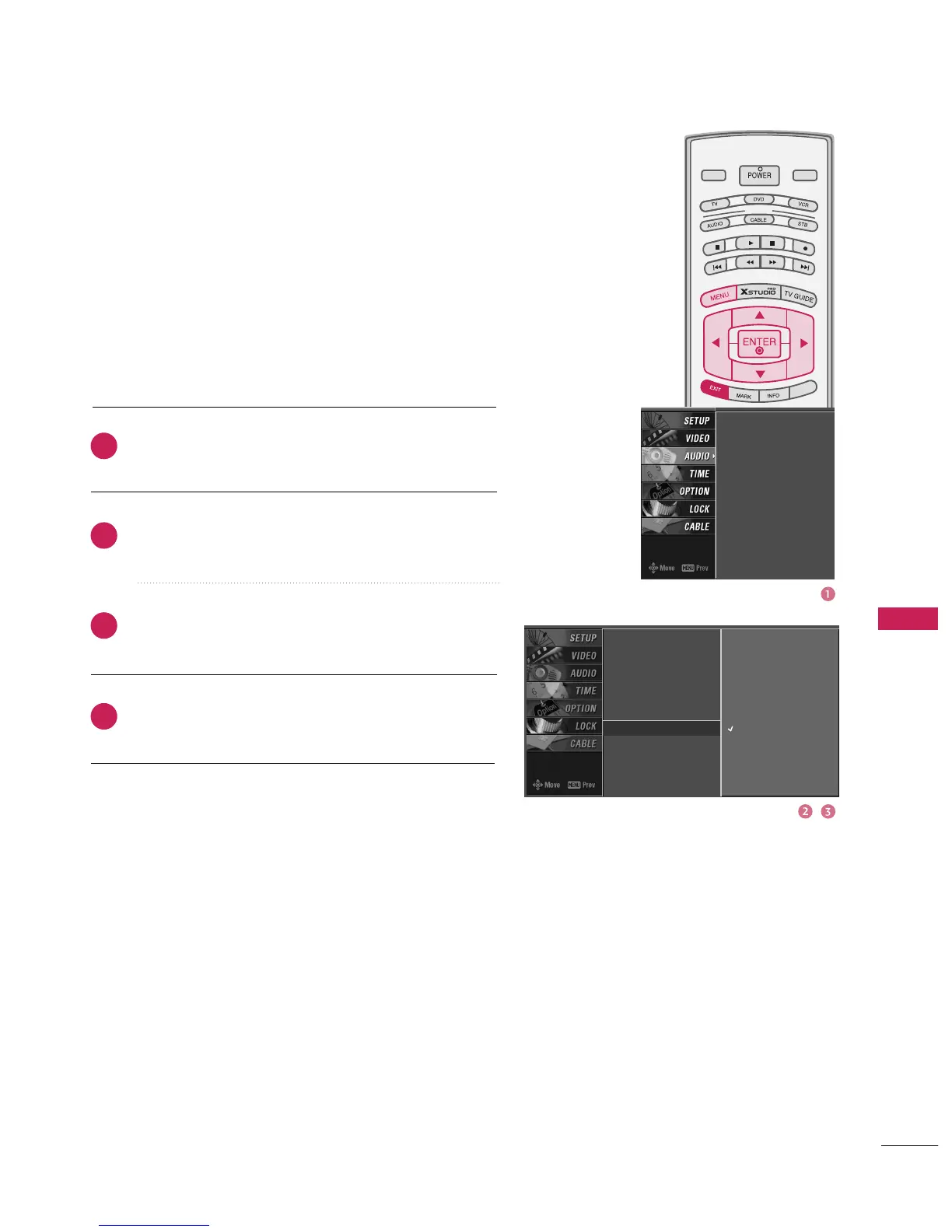
BBE -SOUND IMPROVEMENT TECHNOLOGY
Press the
MENU
button and then use
D
or
E
button
to select the
AUDIO
menu.
Press the
G
button and then use
D
or
E
button to
select
BBE
.
Press the
G
button and then use
D
or
E
button to
select
On
or
Off
.
Press
EXIT
button to return to TV viewing or press
ENTER
button to return to the previous menu.
BBE High Definition Sound restores clarity for better speech
intelligibility and musical realism.
MODE
LIVE TV
INPUT
DAY -
DAY +
S
IMPL
IN
K
2
3
4
1
Audio Language
EZ SoundRite
EZ Sound
Balance
TV Speaker
BBE
G
Off
On
Audio Language
EZ SoundRite
EZ Sound
Balance
TV Speaker
BBE

Table of Contents

Related product manuals