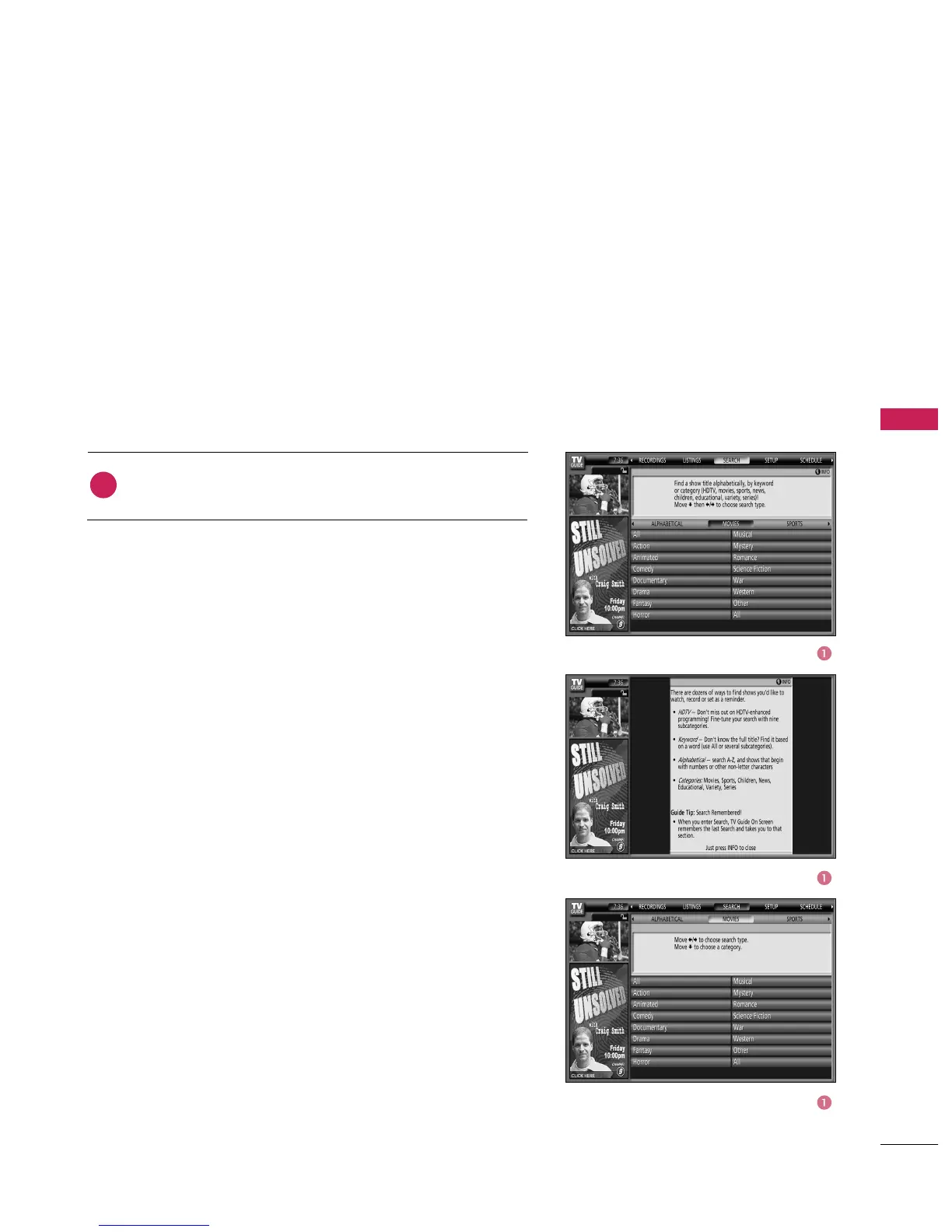
button to highlight Movies.
Search lets you find shows alphabetically, by category (Movies,
Sports, Children, Educational, News, Variety, Series, HDTV) or
by Keyword.
With Search highlighted, press the INFO button to display a
Help screen. Press the INFO button again to close the screen.
Category Search Example: Movies
1



 To Next Page