SOUND & LANGUAGE CONTROL
109
Press the
button to
make appropriate adjustments.
*
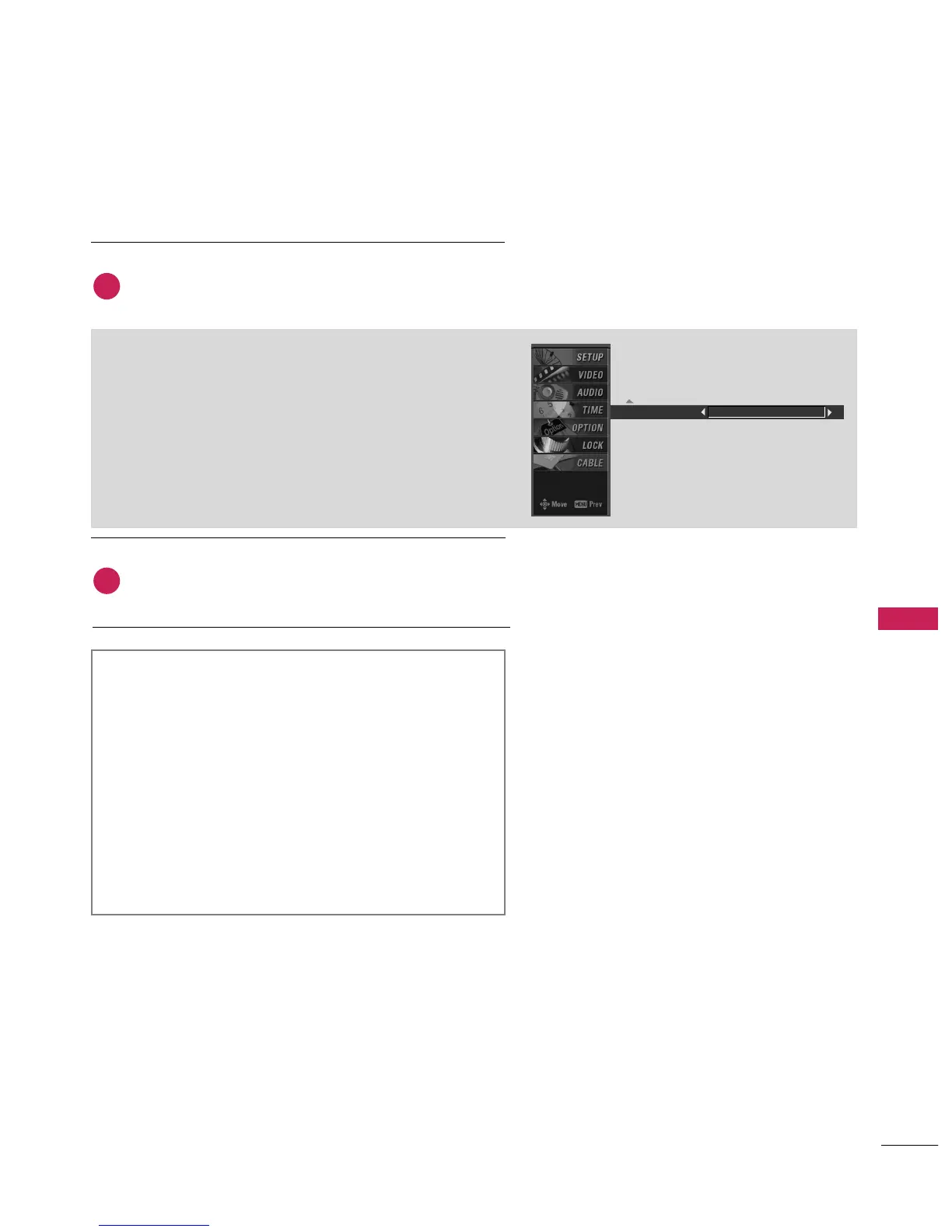
Selecting the Front Surround
button to return to TV viewing or press
button to return to the previous menu.
front Surround 3D EchoSound System
Takes advantage of any multi-channel format without
needing to add extra speakers or equipment. Dialog
clarity, bass enrichment, and the addition of stereo
audio enhancement produces an immersive sound
experience from standard stereo material.
Creates a stunning simulated stereo effect from any
mono sound and a realistic three-dimensional sound
with a very wide and deep sound stage.
6
5



 To Next Page