TV GUIDE ON SCREEN
TM
SYSTEM
62
TV GUIDE ON SCREEN
TM
SYSTEM
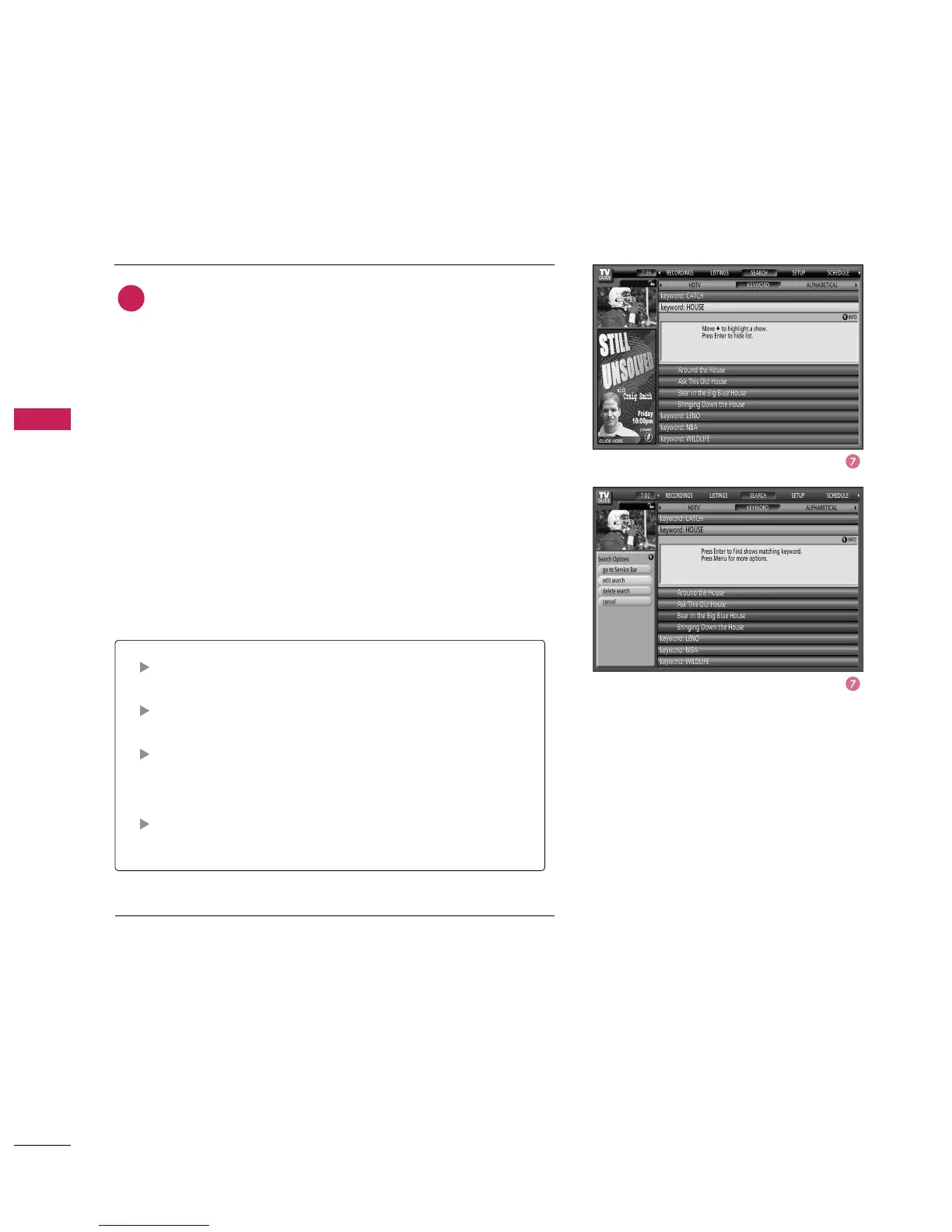
Go to Service Bar - Closes the menu, changes no infor-
mation, and returns to the Search Service Bar.
Edit Search - Displays the keyboard, where you can
change the keyword.
Delete Search - A Confirm menu is displayed.
■
Yes - Deletes the Search.
■
No - Closes the panel menu.
Cancel - Closes the menu, changes no information, and
returns to the highlighted show.
A list of all matching shows for that keyword is displayed.
You can highlight a show, and press
button to
display the Episode Options menu.
From the Episode Options menu, choose to set a record-
ing, a reminder, or tune to the channel, as previously
described.
The TV Guide On Screen system stores all the keywords
you create. To edit or delete a keyword, highlight the key-
word and press the



 To Next Page