DVR (DIGITAL VIDEO RECORDER)
78
DVR (DIGITAL VIDEO RECORDING)
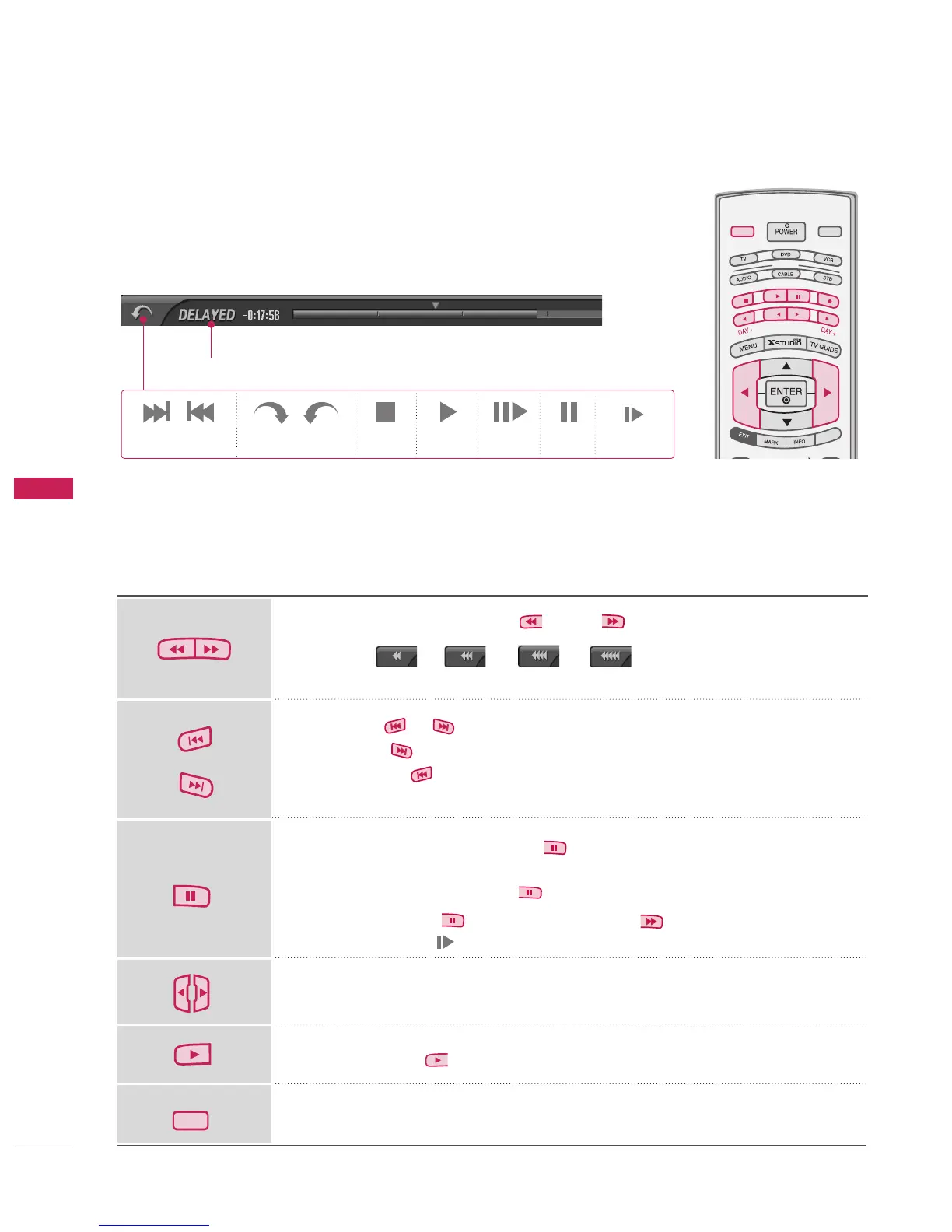
Progressing the Timeshift function, play
On progressing Timeshift, It can do a diversified playing.
Indicates that the current broadcast and displayed video differ.
When playing, press the
button.
■
Press -> -> -> to speed up.
■
Pressing these buttons repeatedly increases the fast forward/reverse speed.
Press the or button to move back and forth within the current program.
■
Press the button to jump about 20 seconds forward.
■
Pressing the button to jump about 8 seconds backward.
During playback, press the
button.
■
Still screen is displayed.
■
Repeatedly press the
button to advance frame by frame.
■
Press the
button for slow motion
(as showing the . )
■
When using the
button during playback the cursor can be viewed on
the screen.
Press the
button to return to normal playback.
If you want to return to the live broadcast, press the
button.
Using the remote control
You can shift playback to any point within playing the recorded program.
Forth and Back +/- Directly View Stop Play
Frame by
Frame
Pause
LIVE TV
MODE
LIVE TV
INPUT
SI
MPLINK
Slow motion



 To Next Page