DVR (DIGITAL VIDEO RECORDER)
85
■
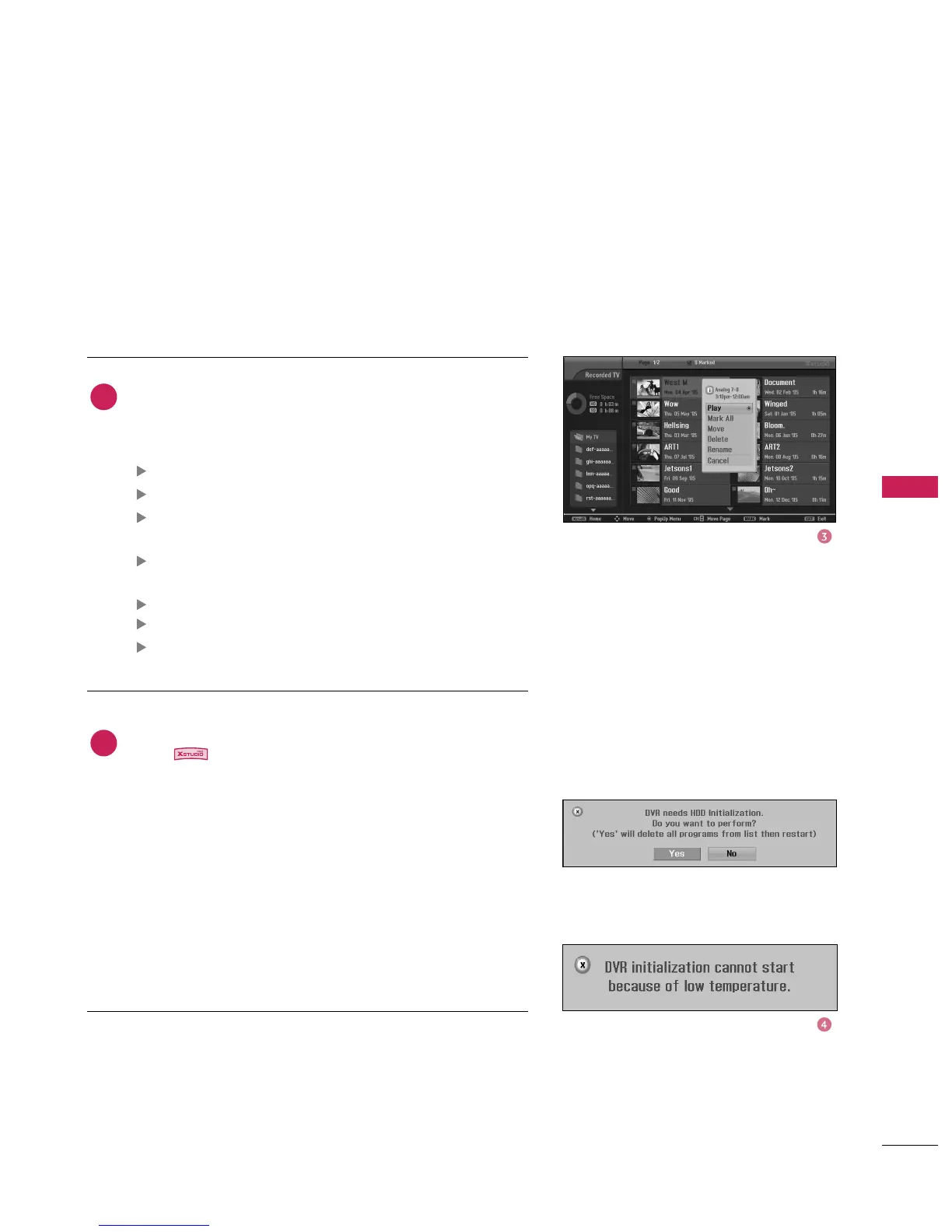
If the HDD has a problem performing a function
(Recording) related to the DVR, select
to ini-
tialize HDD.
If you select
, the Recorded List (Recording) will be
deleted. If you select
, the DVR may not function pro-
perly.
■
If the temperature is below zero (0°), a warning message
is displayed and you need to initialize the HDD.
Use
button to navigate the appropriate thumb-
nail photo, then press the
button to open the pop-
up menu.
Repeatedly, press
button to return to TV viewing or
press button to return to the
: Begin playback of selected recorded program.
: mark all recorded programs on the screen.
: Change marked recorded programs to
unmarked recorded programs.
: Move recorded program saved in HDD to a dif-
ferent folder.
: Delete the selected recorded programs.
: Edit recorded program title.
: Close the Pop-up menu.
4
3



 To Next Page