DVR (DIGITAL VIDEO RECORDER)
88
DVR (DIGITAL VIDEO RECORDING)
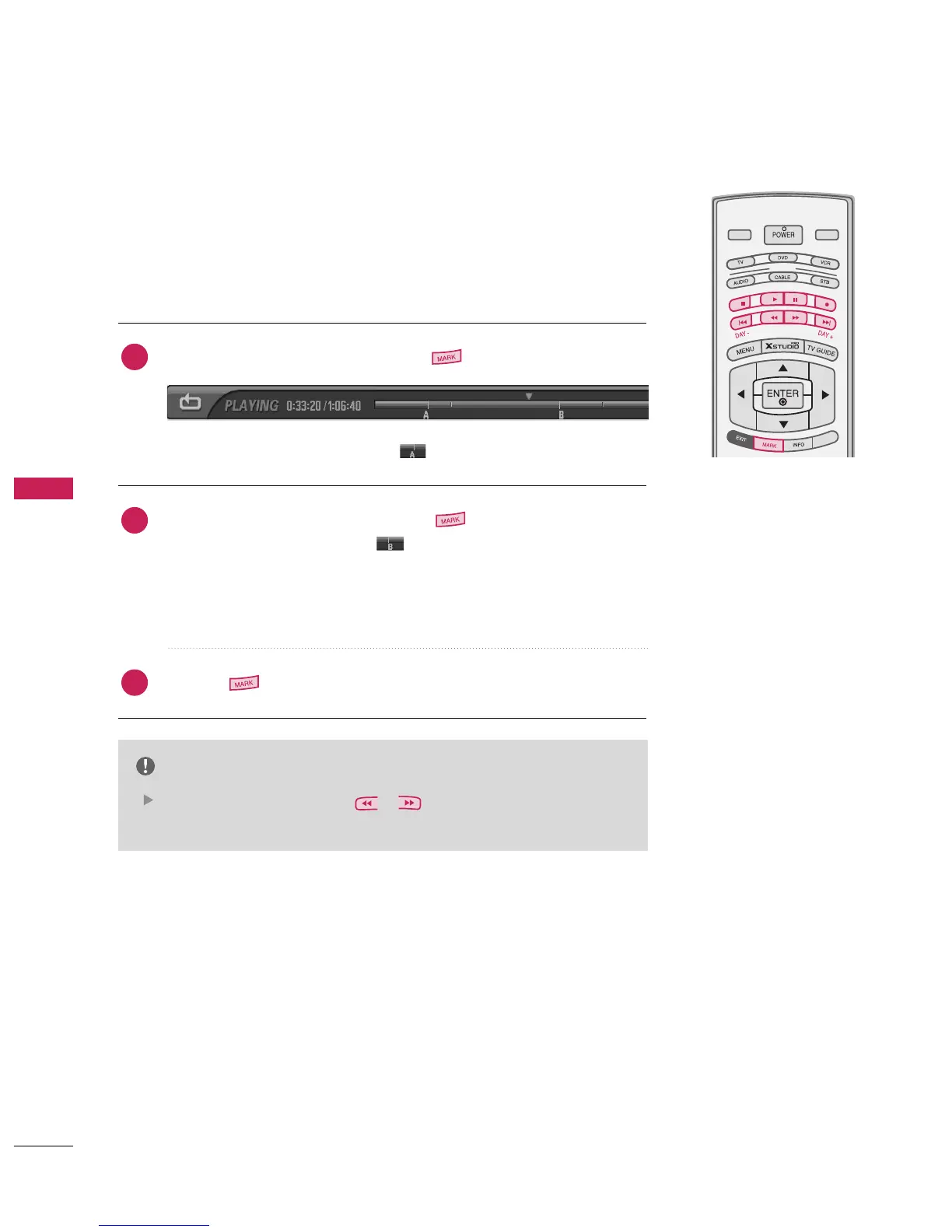
On playing the recorded program, repeat a section
You can set the recording to repeat the same section.
At the point you wish to start, press the button.
■
The following symbol will appear: .
At the point you wish to finish, press the button.
■
The following symbol appears: .
■
Repeatedly play the marked section.
■
You can not make sections of less than 5 seconds.
■
The progress bar for the repeated section will be shown in blue.
Press the button to stop playing the repeat section.
NOTE
It is possible to search using ( / ).
Pause to edit a section while repeating.
2
3
1



 To Next Page