mode.
■
When watching TV/CATV, TV/DTV or CATV/CADTV Sub
pictures are scanned. However, when watching
DTV/CADTV , only TV/CATV Sub pictures are scanned.
Press the
button to cancel POP mode.
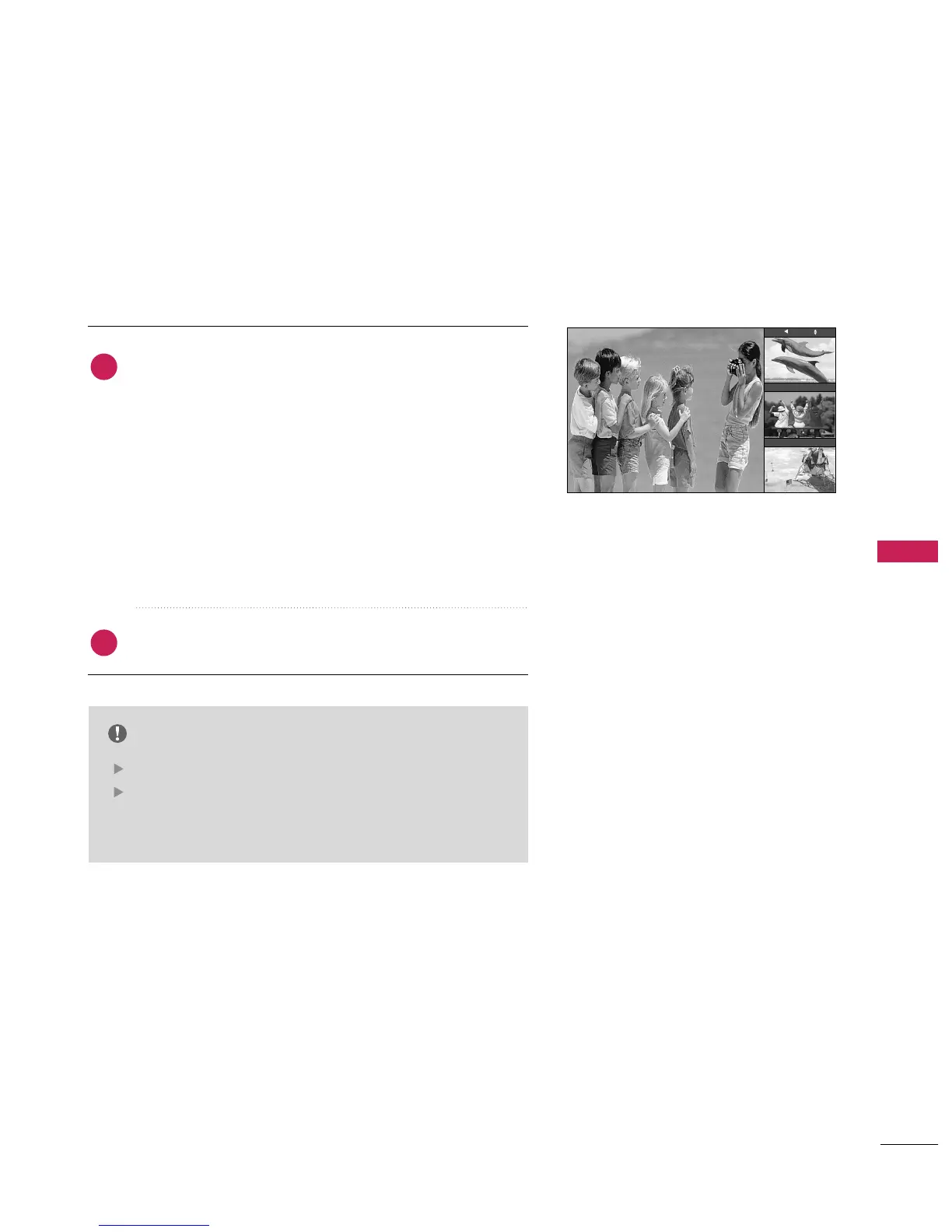
Use POP to search the programs of all the memorized channels
one-by-one on the 3 PIP screen display, (while the main picture
source remains the current channel). The pictures of all the
programmed channels are searched with the 3 POP screens.
NOTE
Run EZ Scan channel search before using POP mode.
When Sub pictures are changed from the TV/DTV to
CATV/CADTV in POP mode, you may hear a noise from
the Tuner switch.
2
1
TV 2-0


 To Next Page
 Loading...