Operating
41
Operating
4
4. To release the timer recording, select the
program, Select the option again then press
ENTER (
b
). The red timer icon disappears
Using the MHEG (Viewing
MHEG)
Many digital TV channels broadcast information
via their text service. This digital service includes
high quality digital text and graphics along with
advanced navigation options. Additionally, this
recorder has access to dedicated text channels
transmitted by the broadcasters. The appearance,
content and navigation methods of all digital text
services are decided by the broadcaster.
1. Press TEXT or Red color button to bring up the
text and graphics menu for the current channel.
2. Use
W/S/A/D
to navigate through the
menu.
3. Use ENTER (
b
) to select an item.
Additionally you now have the four colour keys
(R, G, Y and B) to navigate through the content
of the page. How they will be used will vary for
dierent stations; read their meaning from the
bottom line (usually) or wherever they appear
on the screen and use them as required.
4. Press RETURN/TEXT to leave the MHEG.
When you using timeshift or recording, MHEG
service cannot be disable.
,
Note
What is FREEVIEW PLAYBACK?
FREEVIEW PLAYBACK™ gives you over 40 FREEVIEW™
channels that you can pause, record and rewind for
no monthly subscription.
To check you’re in a FREEVIEW coverage area, text
your postcode to 83331
* or visit www.freeview.co.uk * Costs no more than
a normal text. The FREEVIEW service is subject to
coverage.
The FREEVIEW service is subject to coverage. An
aerial upgrade may be required. The FREEVIEW
PLAYBACK word and logo are trade marks of DTV
Services Ltd and are used under licence. © DTV
Services Ltd 2006.
Using the timeshift function
manually
You can pause a Live TV broadcast, then continue
watching the programme at a later time. This is
useful when you receive an unexpected call or
visitor while watching TV.
The following are operating steps when the
[Timeshift] option is set to [Manual].
1. Press TIME SHIFT while watching a TV broadcast.
The recorder starts recording the current TV
programme to the HDD.
2. Press
M
to pause the programme your’re
watching the just now.
3. Press
d
to resume watching the programme.
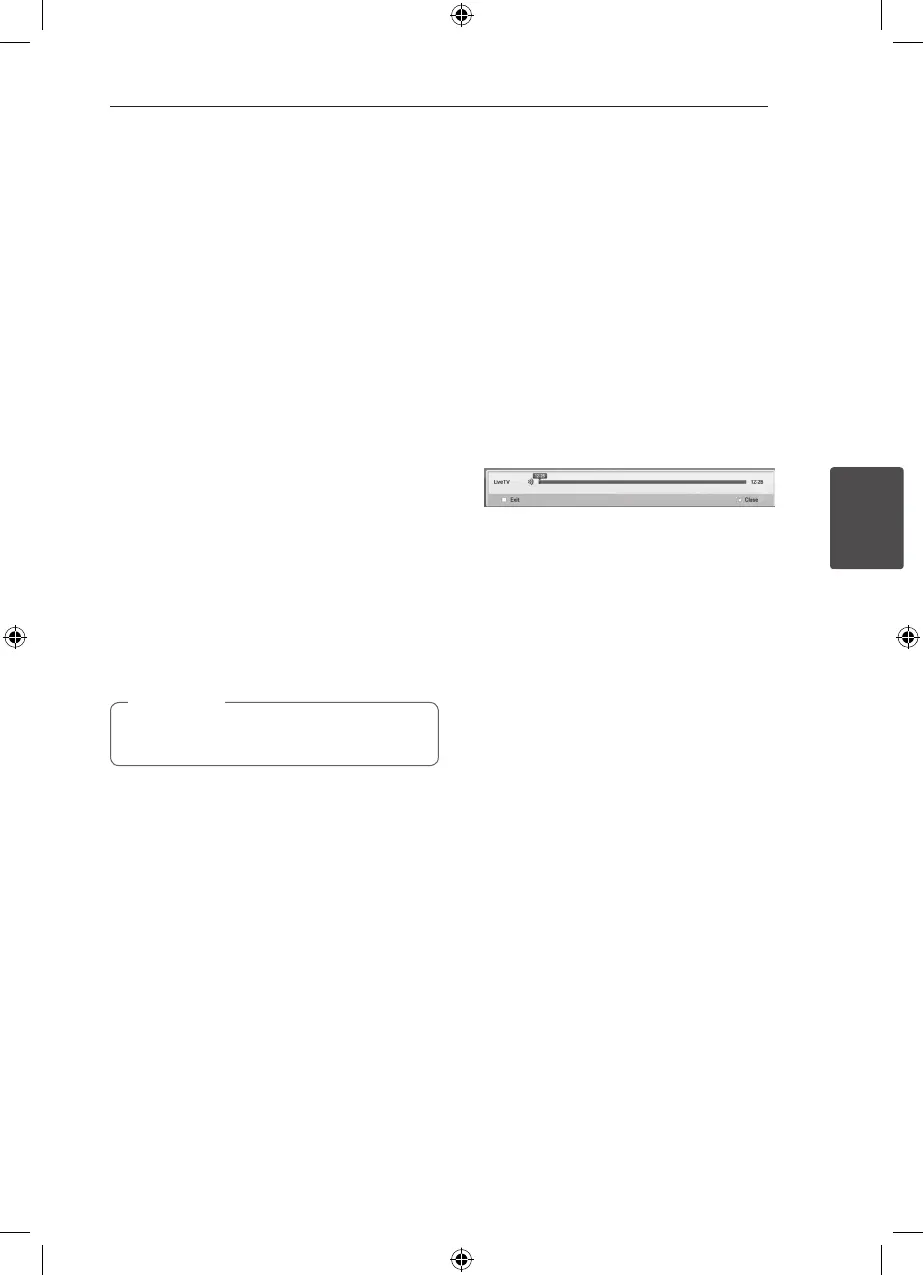
Press TIME SHIFT to display the progress of
timeshift.
Press
C/V
to move the starting point or
the ending point of timeshift.
Press
c/v
to playback of timeshift fast
forward or fast reverse.
4. Press
Z
to cancel the timeshift.
Timeshift cannot be saved as a recorded title.



 To Next Page