Operating
44
Operating
4
Canceling a timer recording
You can cancel a timer recording before the timer
recording actually starts.
1. While watching TV, press TIMER REC.
2. Press the red coloured (R) button.
3. Use
A/DW/S
to select a schedule you want
to cancel.
4. Use
W/S
to select [Timer Record List], and
press the green coloured (G) button.
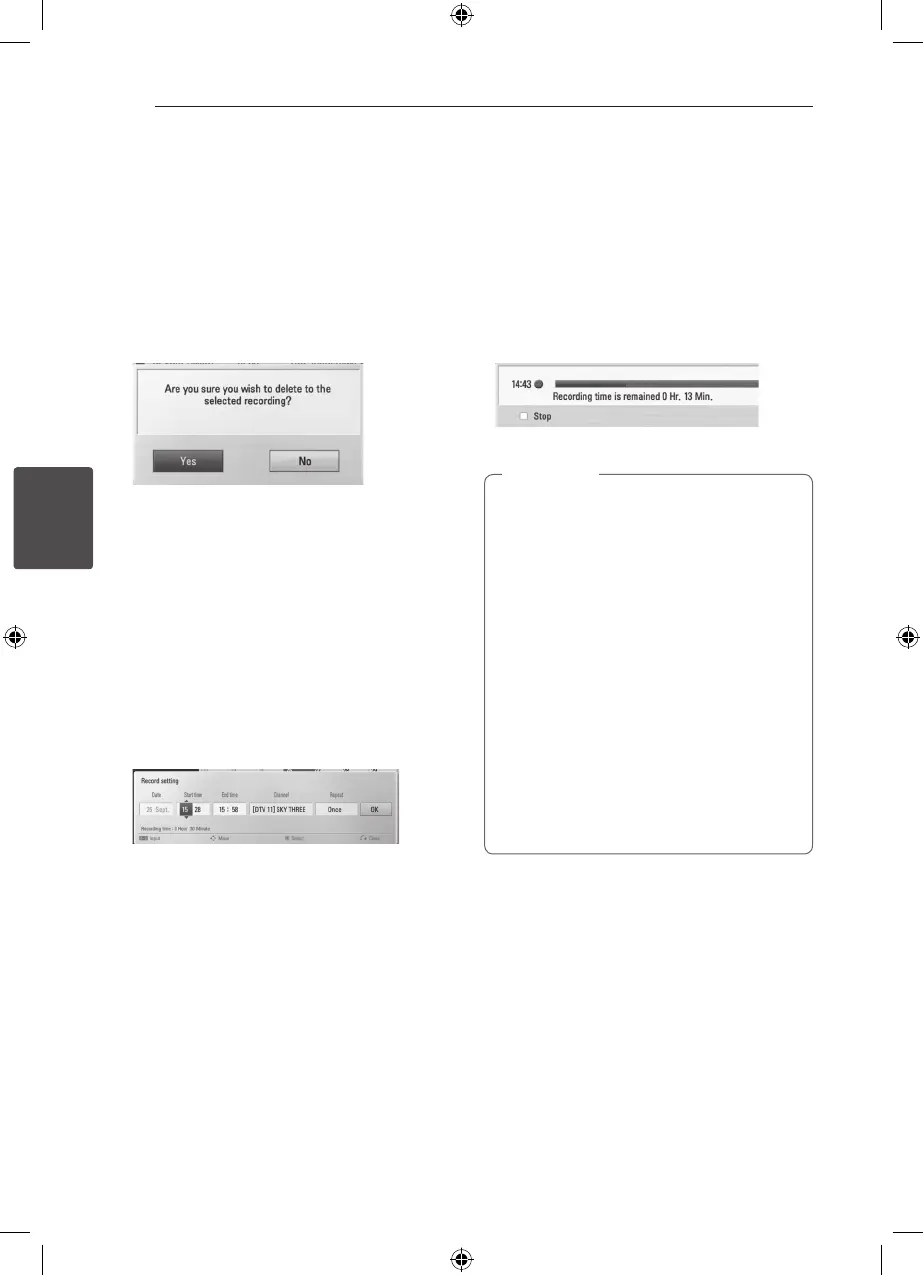
Select [No] and press ENTER (
b
) to cancel.
Select [Yes] and press ENTER (
b
) to delete
selected schedules (selected recording).
Editing a timer recording
You can edit a pre-scheduled timer recording
before the timer recording actually starts.
1. While watching TV, press TIMER REC.
2. Press the red coloured (R) button.
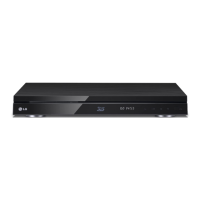
3. Press ENTER (
b
) to display the [Record setting]
menu.
4. Follow the steps 3-5 from “Timer Recording
(Manual)” on page 43 to complete the editing.
Instant Timer Recording
You can set the recording time instantly to stop the
recording automatically.
1. Use PR (
W/S
) to select a programme you
want to record.
2. Press
X
REC. to start recording.
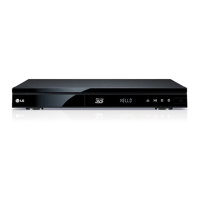
3. While recording, press
A/D
repeatedly to set
the recording duration
4. Press ENTER (
b
).
5. Press
Z
to stop recording.
y
The standard recording time is 3hours
(MAX=6hours). Depending on the
remaining capacity of HDD, the recording
time is somewhat flexible .
y
If the unit cannot catch the signal, the
recording will be pause, actual recording
time can be less than the time set on timer.
y
You cannot record radio or blocked
channels.
y
The quality of recording can be different on
the status of the broadcast signal.
y
During the recording, Turning off by force
can cause a serious problem on hard disk
drive.
y
Recording can be restarted when contents
status is changed and it’ll separte recording
title into two individual title consequently.
,
Note



 To Next Page