Operating
57
Operating
4
11.
Use
W/S/A/D
to select [OK], and press
ENTER (
b
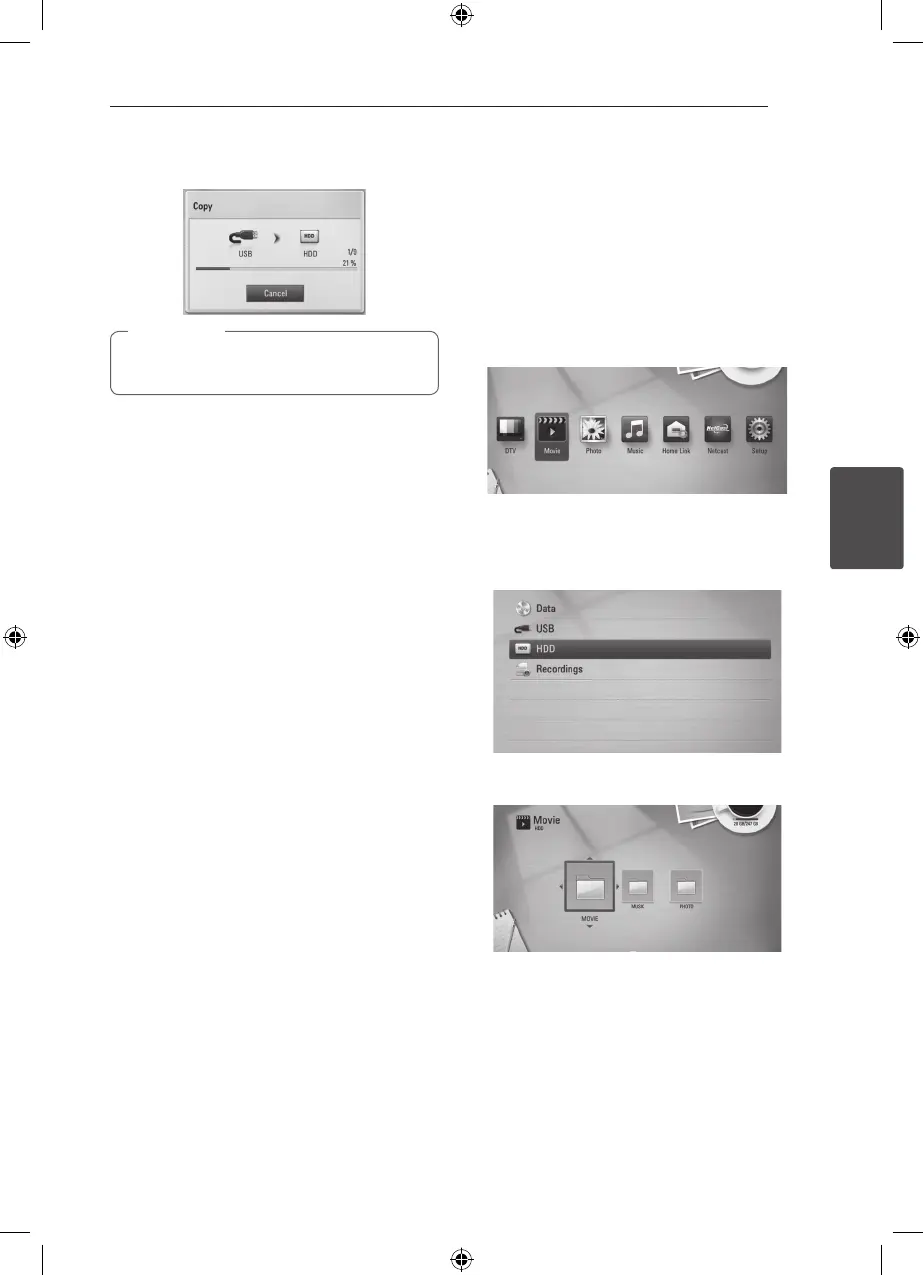
) to start copying.
Copying speed may vary depending on the le
size, number of les and network condition.
,
Note
Copying file(s)/folder(s) from
the internal hard disk drive to
a USB storage device
You can copy music, photo, video le(s)/folder(s)
from the internal hard disk drive to a USB storage
device.
1. Insert a USB device to the USB port until it ts
into place.
2. Press HOME (
n
).
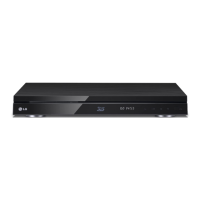
3. Select [Movie], [Photo] or [Music] using
A/D
,
and press ENTER (
b
).
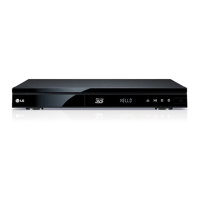
4. Select [HDD] using
W/S
, and press ENTER
(
b
).
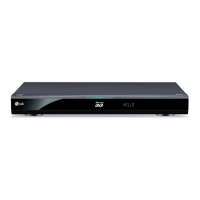
5. Use
W/S/A/D
to select a directory that les
or folders you want to copy are located.
6. Press INFO/DISPLAY (
m
) to display the option
menu.
7. Use
W/S
to select [Copy] option, and press
ENTER (
b
) to display the [Copy] menu.



 To Next Page