16
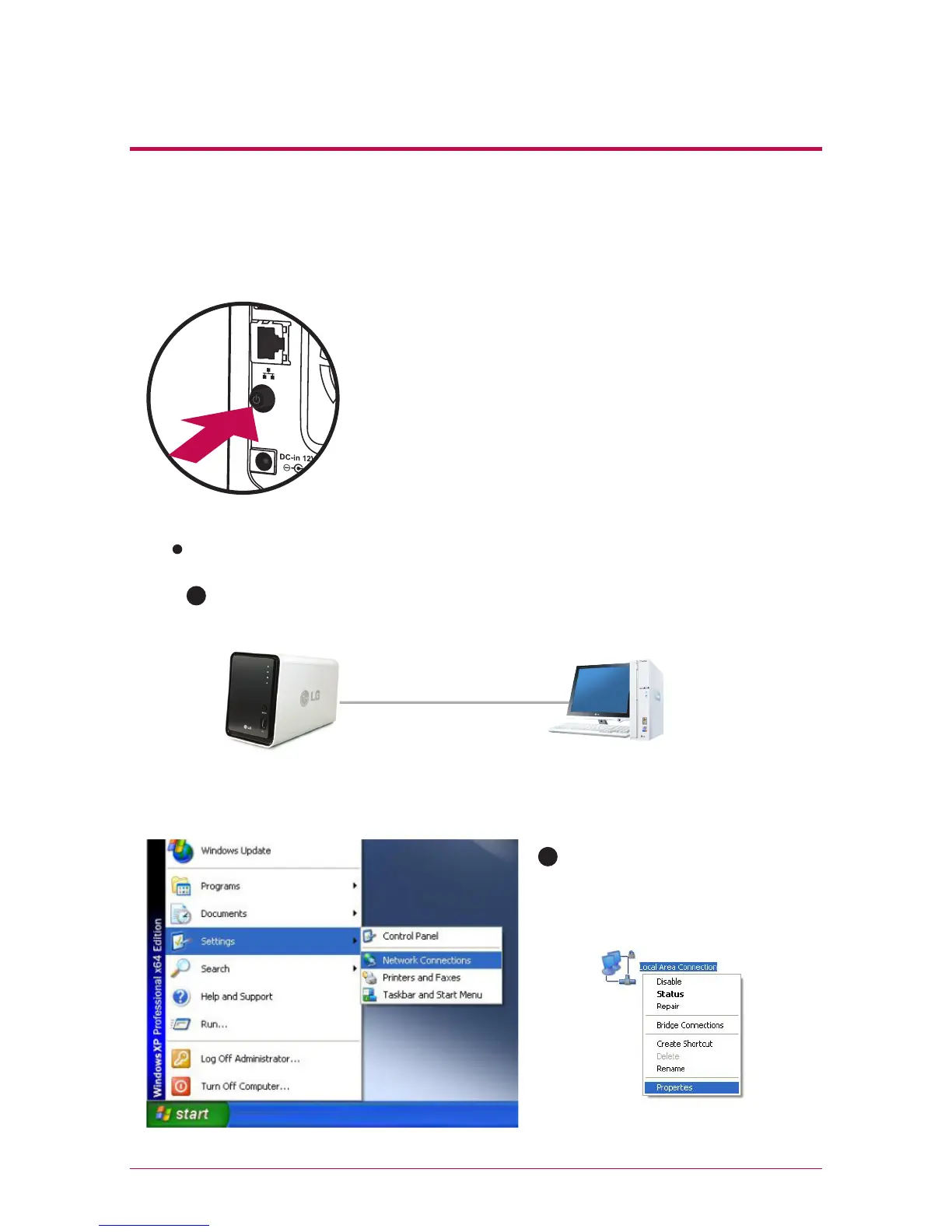
2. After checking the connection of the power supply cable of LG Network
Storage, press the power button at the back and start LG Network Storage.
3.
Product installation Installing Network Storage
When you turn on the power at the back of Network
Storage, booting is completed with a cheerful alarm
sound after approximately 40 seconds~1minute.
(On normal connection state, a shape of network LED is
turned on.)
LAN cable
Desktop PCNetwork Storage
When connecting with PC directly without network equipment :
A
Please connect LG Network Storage directly to PC using a LAN cable.
B
Start -> Settings -> Network con-
nection -> click on the right button
of the on Local Area Connection
-> Properties



 To Next Page