75
9
-
3.
File back-up service Schedule Backup & Restoration
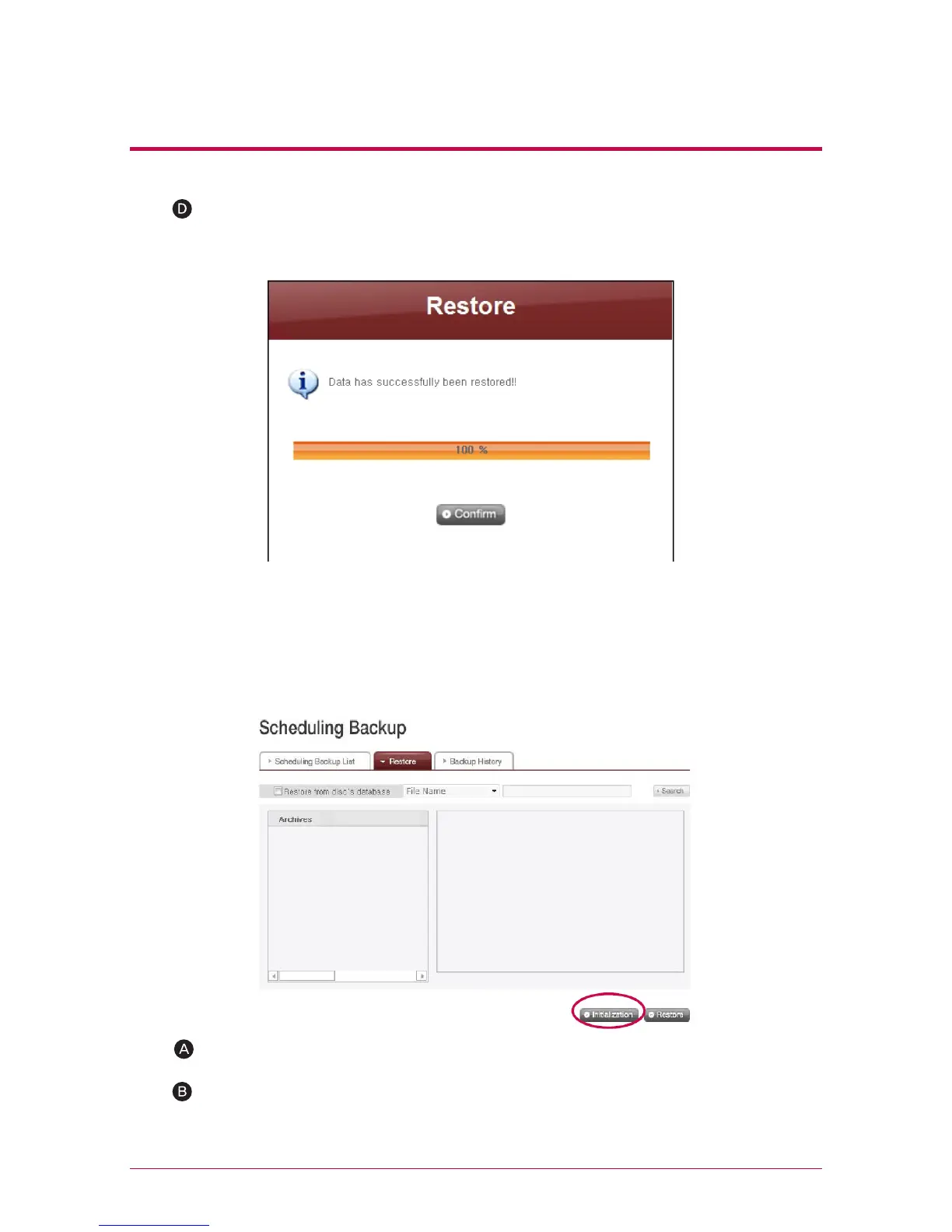
The process below can be repeated in accordance with the number of the discs
backed up. When all data are restored, the screen below will pop up to inform
the completion of restoration.
3. Initialize Backup Schedule
To start backup schedule, initialize backup status by clicking ‘Initialization’ button on
‘Restore’ tab. During initialization, below will be done.
Initialize backup database.
Initialize the backup disc.
Be cautioned during initialization as the previous backup database will be de-
leted and the disc in the drive will be initialized.



 To Next Page