76
9
-
3.
File back-up service Schedule Backup & Restoration
4. Manage Restoration History
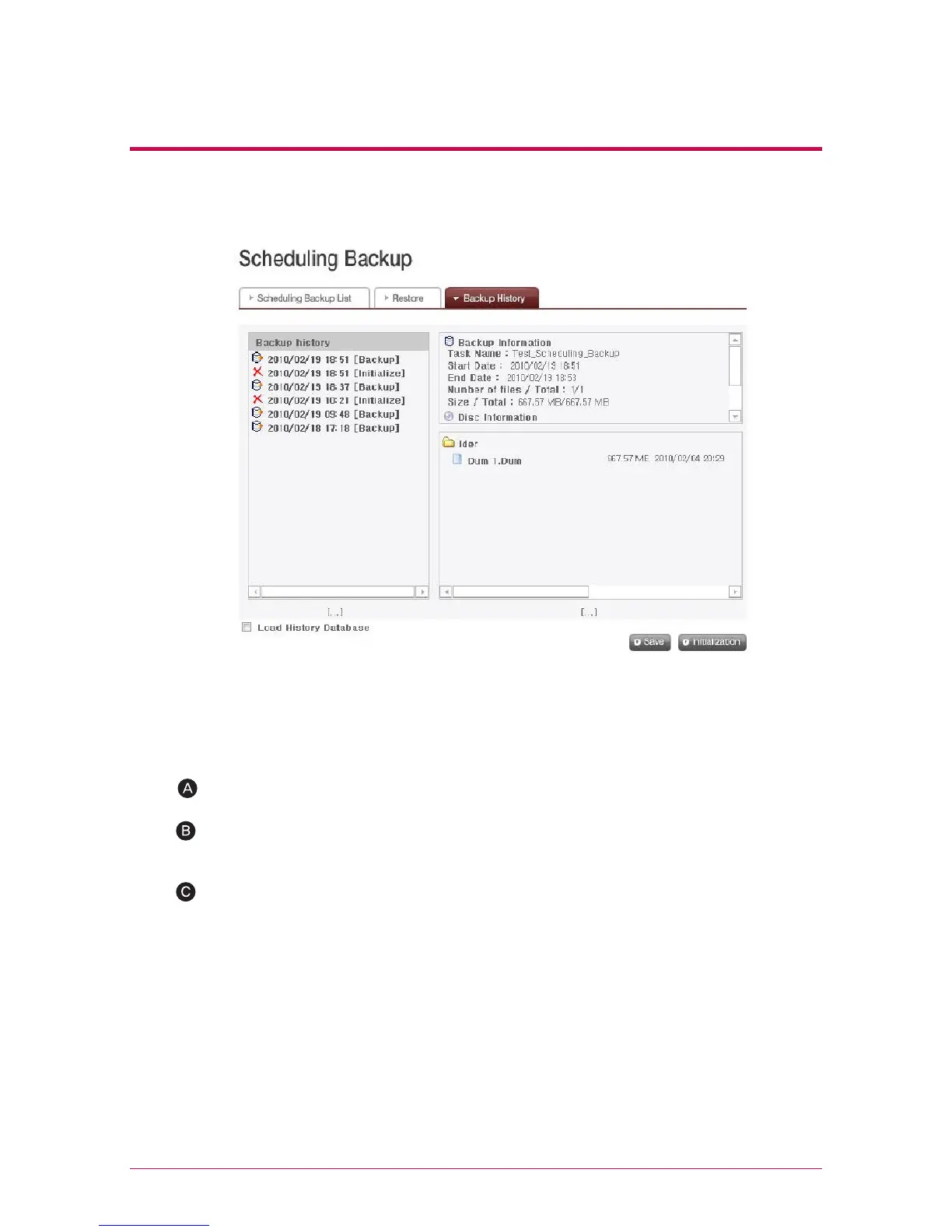
To delete the entire backup history, click ‘Initialization’ button.
Click ‘Save’ button to save database on backup history in the user’s computer.
You check and manage history of backup and initialization on ‘Backup History’ menu.
‘Backup History’ menu shows backup history, backup information and backup file
information.
Database for backup history saved in the user’s computer can be restored in
NAS.
To restore backup history, first put a check on ‘Load History Database’ check-
box, specify database saved in the user’s computer and click ‘Restore’ button.



 To Next Page