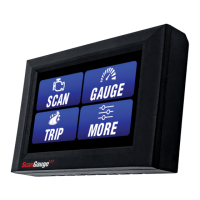
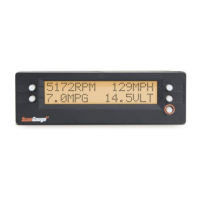
Basic Setup Parameters
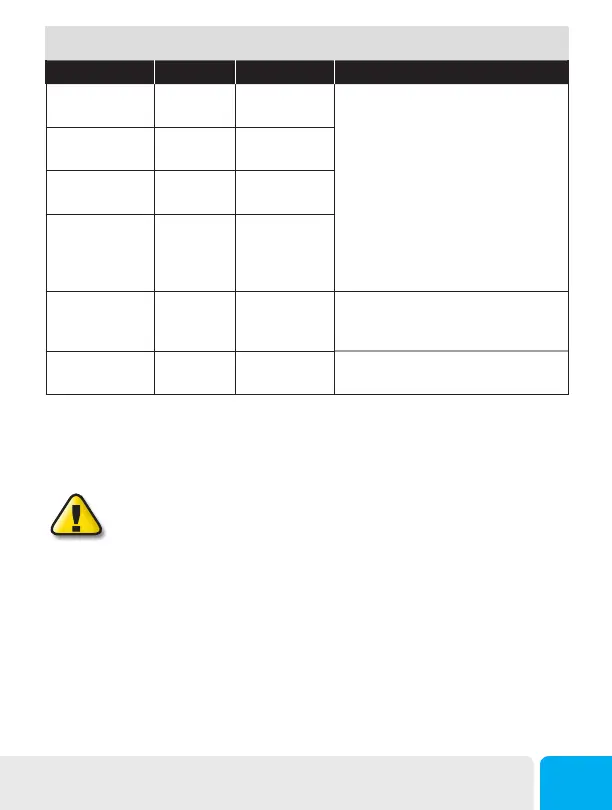
Setup Parameter Display Options Description
Distance Units DISTANCE Miles
Kilometers
The Setup Parameters include multiple
units of measure settings, including
Distance, Fuel, Temperature and Pressure.
Each is set independently of the others and
can be used in any combination.
Making changes to these settings causes
your ScanGauge to use these units when
reporting and measuring data.
Fuel Units FUEL UNITS Gallons
Liters
Temperature Units TEMP UNITS Fahrenheit(˚F)
Celsius(˚C)
Pressure Units PRESSURE
UNITS
PSI
KPA
MM
IN
Tank Size TANK SIZE 0 - 9999
Gallons/liters
Is adjustable in 1-gallon or liter increments
depending on how you set the FUEL
UNITS parameter.
Currency Type CURRENCY
$, £, ¥, 元 ,€
Choose the currency symbol ScanGauge
should use to display monitor values.
Tips for Setting the Tank Size
The size will use Gallons or Liters depending on the selection you made in the Fuel Units Screen (FUEL
UNITS). If the size in the manual is not in whole units, use the next lower value. For instance, if the
capacity is 80.5 gallons, use 80 gallons.
It is dangerous to run a vehicle out of fuel and can damage the fuel pump. Do
not rely on the fuel gauge or ScanGauge at low fuel levels or low remaining
distance or time.
Can ScanGauge Display Liters per Hundred Kilometers?
By default, ScanGauge will express fuel economy in Liters per Hundred Kilometers (LHK), provided you
have set fuel to LITERS and distance to KILOMETERS. For more information see LHK under Advanced
Setup on page 14.
Initial Setup
13


 To Next Page