Backlight Display Options
You can customize the backlight display of your ScanGauge. Options include the ability to set the inten-
sity of the backlight, choose a standard built-in color for the backlight, and create your own custom color.
Access the Display Options
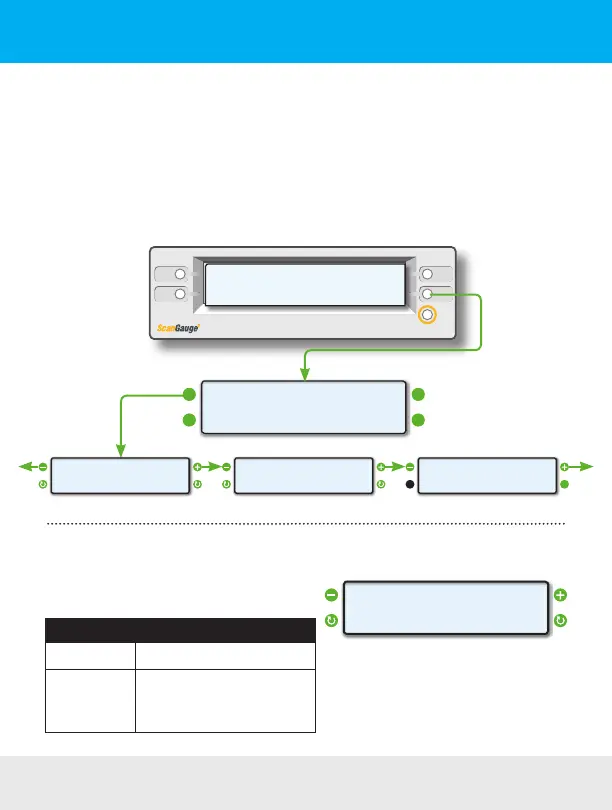
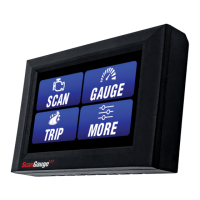
To access the Display Options Screen, press the function button next to MORE on the Home Screen.
Next, press the function button next to DISPLAY. Use the upper left and right function buttons to cycle
through the available options.
<SCAN
<TRIP
GAUGE>
MORE>
Home Screen
< LIGHT BLUE
COLOR
>
< >
CUSTOM COLOR
EDIT>
< >
<SETUP
<DISPLAY
MORE>
FILLUP>
LoopLoop
Change the Backlight Intensity
Use the lower left and right function buttons to adjust
the backlight intensity. Options include:
Backlight Color Options
Sequence Setting
1
2
3
HIGH (Default)
LOW
OFF
< HIGH
LAMP
>
< >
Backlight Display
20 — www.ScanGauge.com


 To Next Page