Overview
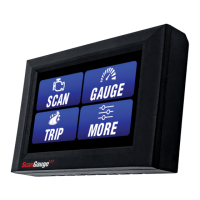
Your ScanGauge features the exclusive X-GAUGE™ Programmable Gauge System that provides you a
method to tap into this additional information. The X-GAUGE feature allows you to extend the capabilities
of your ScanGauge to include things like: vehicle specific gauges, trip data as gauges, and special function
gauges.
Programing a new X-GAUGE and saving it to your ScanGauge is simple and easy. Each X-GAUGE consists
of specific alpha-numeric strings, or “codes,” you enter into the ScanGauge via the front panel push buttons.
Your ScanGauge provides enough internal memory to save up to 25 X-GAUGES.
An extensive library of X-GAUGE codes for many different vehicles can be found on our
Web site at www.scangauge.com/support
Accessing X-GAUGE Features
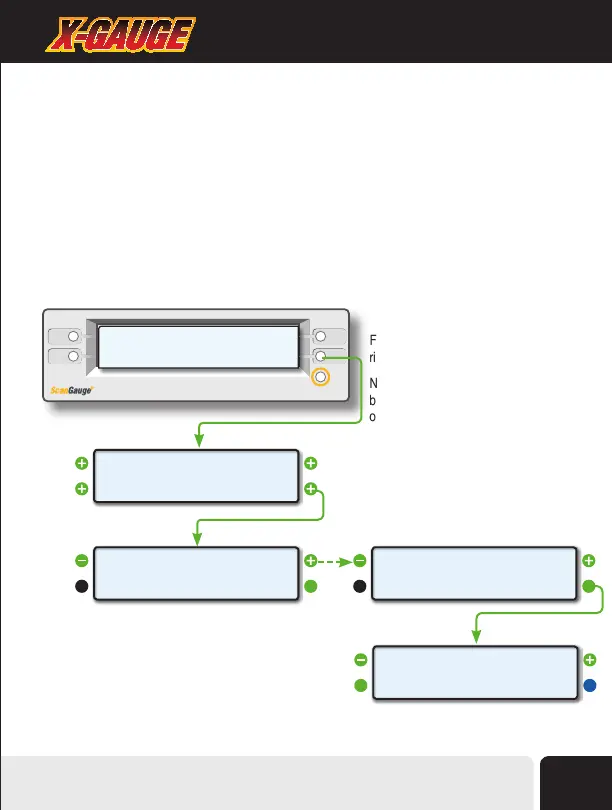
From the Home Screen, press the lower
right function button twice, next to MORE.
Next, use the upper left and right function
buttons to cycle through the available
options until the screen titled X-GAUGE
appears.
Finally, press the lower right function
button next to EDIT to enter X-GAUGE.
<SCAN
<TRIP
GAUGE>
MORE>
<SETUP
<DISPLAY
MORE>
FILLUP>
VPW
<
CHANGE>
>MODE
<EDIT
<XGAUGE
EXIT>
0>
<
EDIT>
>XGAUGE
X-GAUGE™
TM
Advanced Features
41


 To Next Page