Package Contents
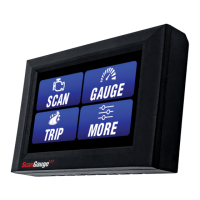
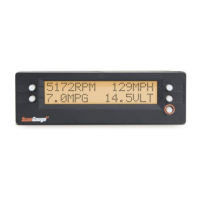
• ScanGaugeD
• 6-ft J1939/J1708 Cable
• Velcro
®
Strips
• User Manual
• Quick Start Guide
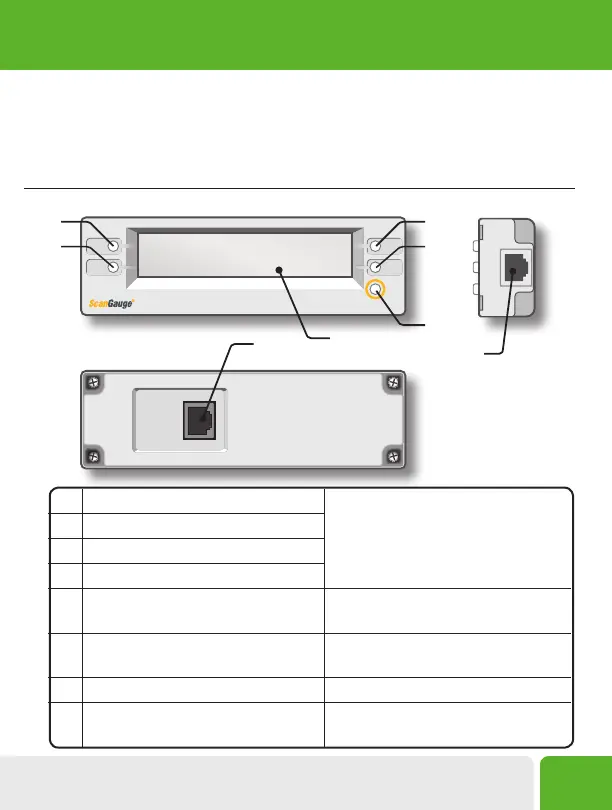
ScanGauge Overview
A. Function/Selection Button
The function buttons are used to make
selections and to navigate the menu
system of the ScanGauge.
B. Function/Selection Button
C. Function/Selection Button
D. Function/Selection Button
E. HOME Button Use the HOME Button to quickly get
back to the Home Screen
F. LCD Display Screen Displays the information the
ScanGauge records
G. J1939/J1708 Connection Plug Primary connector
H. J1939/J1708 Connection Plug Secondary connector or Daisy Chain
interface
Front Side
Back
A
B
C
D
E
H
G
F
Installing the ScanGauge
5


 To Next Page