Reading Performance Monitor™ Data
The data the Performance Monitor records can be read through the DATA screen. The data screen
displays the speed, distance and elapsed time for each data point. A data point is generated each time the
Performance Monitor records data.
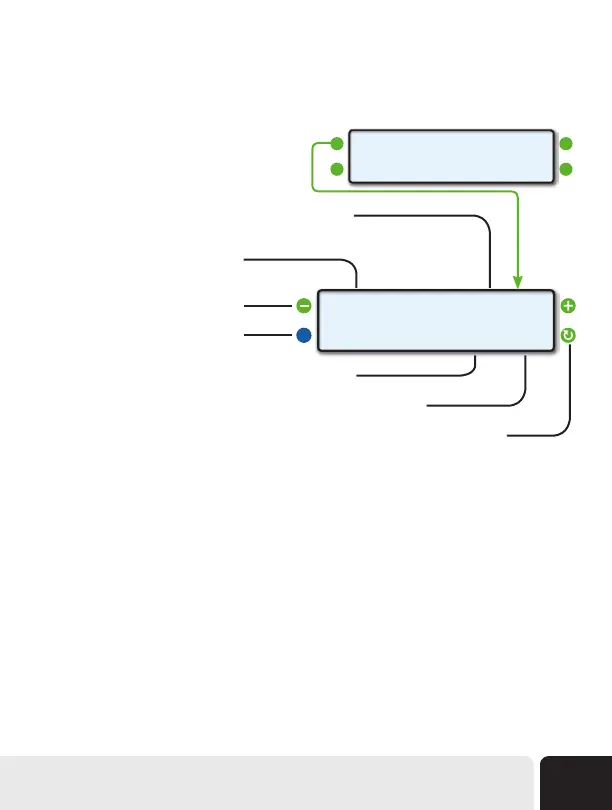
While viewing the Data screen, you can use
the upper left and right function buttons to step
through the data points.
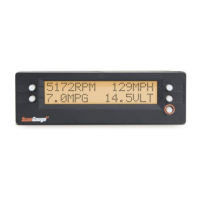
<712ft 84MPH>
<BACK 8.4Sec T>
Example
Data Screen
Push the upper left and right function
buttons to step through the data
Push to return to the previous screen
Displays the elapsed time recorded for the current data point
Indicates the currently selected step-through parameter (see next page)
Push the lower right function button to toggle the step-through parameter (see next page)
Displays the MPH/KPH recorded for the current data point
Displays the distance traveled for the
current data point
<DATA MONITOR>
<MEMORY ARM>
Advanced Features
51


 To Next Page