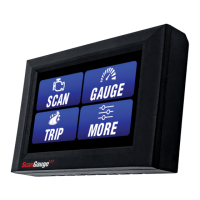
Operating Your ScanGauge
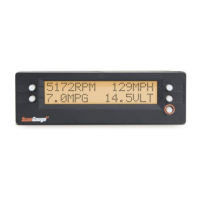
The ScanGauge features a simple and easy-to-use, menu-driven design. After each
button is pressed, new selections will appear in the display prompting you for what
can be done next.
The HOME button (button with a yellow-orange circle around it) will take you back to
the starting point at any time, or activate the ScanGauge if asleep.
Digital Gauges
Overview 25
Digital Gauge Abbreviations 26
Trip Computers
Trip Computer Overview 28
Time-based Trip Computers 30
Resetting Current Trip Data 32
Fuel-based Trip Computers 32
Filling Up Your Tank 34
Scan Tool
Scan Tool Overview 36
What to Do if DTCs Are Found 37
Clearing Trouble Codes 39
24 — www.ScanGauge.com


 To Next Page