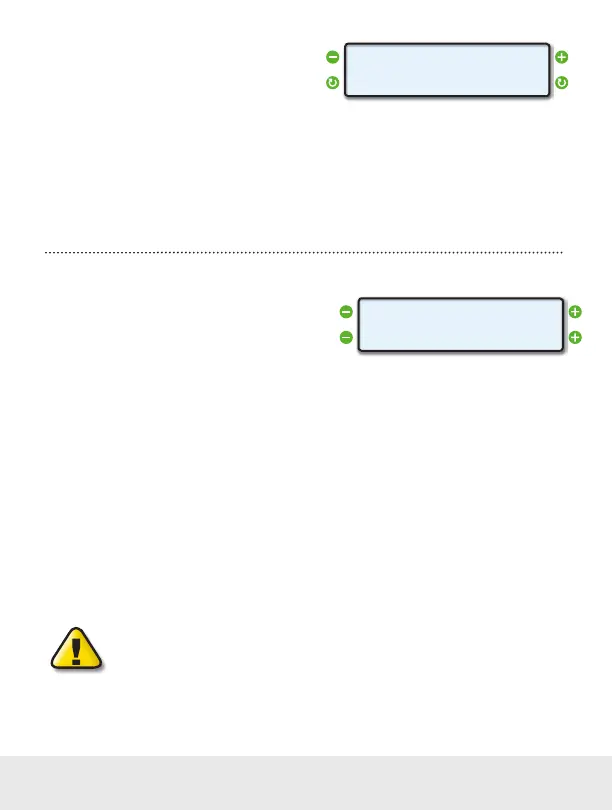
Set the Update Rate
You can adjust the rate in which ScanGauge reports
data. The update rate defaults to NORMAL which
updates the display about every 2 seconds. The
SLOW setting will reduce the update frequency to every 4 seconds, while the FAST setting will increase
the update frequency to 1 second.
You may also set the update rate to MAX which allows ScanGauge to update displayed data at the full
speed of the buss. If the vehicle reports data 10 times per second, then ScanGauge will update the
gauge screen 10 times per second. In some instances, this may cause the display to appear blurry as
the numbers change too quickly to read — particularly with speed and RPM gauges.
Set Speed Adjustments
The speed indicated by ScanGauge can be adjusted
to compensate for changes in tire size, gear
changes, tire wear or any other factor that may affect
the accuracy of your vehicle’s speedometer. It is
important to note that this adjustment only affects the ScanGauge’s indicated speed and distances, and
it does not affect the vehicle speedometer or odometer readings.
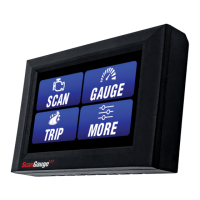
While viewing the SPEED Screen, the lower left and right function buttons can be used to increase or
decrease the selected adjustment in 1% steps.
The upper line displays the word SPEED and a percentage. The percentage is the adjustment factor.
The lower line displays 2 numbers: the left number is the speed reported by the vehicle and the number
on the right is the speed that will be shown by the ScanGauge after applying the correction factor.
An accurate way to set the speed is to use a GPS. With one person driving, the other person observes
the speed on the GPS and adjusts the percentage until the lower right number agrees with the speed
the GPS indicates.
For more information about the various methods of calculating your speed adjustment, visit us online at
www.ScanGauge.com/quick-tips/.
IMPORTANT: OBSERVE ALL SPEED LIMITS AND DRIVE SAFELY WHILE MAKING
THESE ADJUSTMENTS. THE DRIVER MUST NOT BE DISTRACTED BY TRYING TO
MAKE THESE ADJUSTMENTS WHILE DRIVING.
< >
< >
UPDATE RATE
NORMAL
< >
< >
SPEED 0%
50> 50
16 — www.ScanGauge.com


 To Next Page