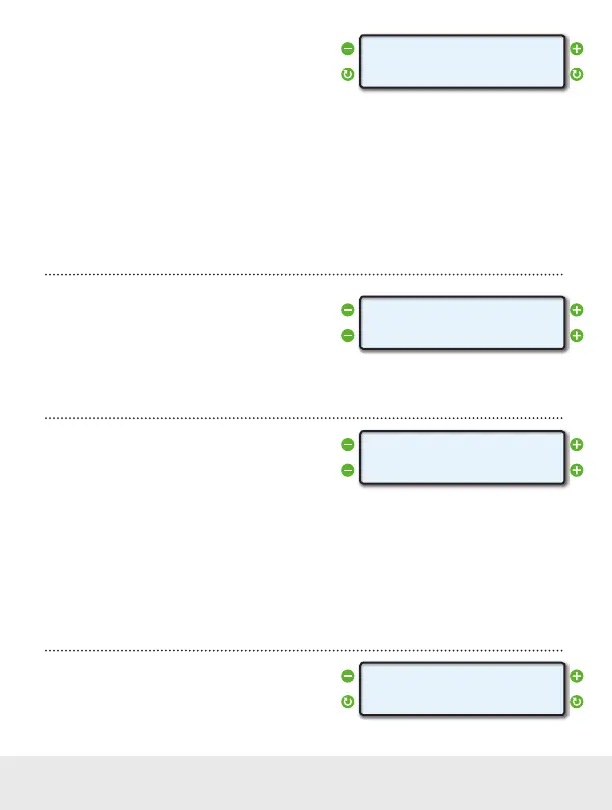
Set Wake Event
The WAKE EVENT parameter allows you to set the
signal level ScanGauge looks for to power up.
The default setting is Normal Volts. This should work
for the majority of vehicles. If however, the ScanGauge has trouble either turning on, or staying powered
down, you may need to set the WAKE EVENT parameter to either High Volts, or Low Volts.
Trouble Powering Up
If the ScanGauge does not turn on when the vehicle is started, set the WAKE EVENT parameter to
Low Volts.
Trouble Staying Powered Down
If the ScanGauge turns off but then turns on for a short time and then repeats this pattern, set the WAKE
EVENT to High Volts.
Set a Horsepower Adjustment
ScanGauge reports Horsepower (HPR) as a built-
in digital gauge. This parameter allows you to make
adjustments to the HP reading ScanGauge reports.
If a dynamometer is used to determine the horsepower, this adjustment can be done to make the
ScanGauge agree with the dynamometer.
Adjust Fuel Usage
The FUEL ADJ function can be used to make the fuel
use readings on the ScanGauge more accurate.
After each fill up of your vehicle’s tank, you should use
the built in FILLUP function (see page 22), to tell ScanGauge the tank has been filled. If you notice a
consistent discrepancy between the amount of fuel ScanGauge has reported as being used and the
actual amount of fuel you put in the tank, you can make a global adjustment using this parameter.
For instance, if you fill up, and the pump said it took 55 Gallons to fill the tank, but the ScanGauge said
you only used 50 Gallons, the error would be 10%. You would need to make the FUEL ADJ setting
10.0%. If ScanGauge reported more fuel had been used than the pump showed to refill the tank, the
adjustment would be a negative percentage.
Set the Trip Computer Method
ScanGauge provides a number of automatic trip
computers which can be handled in one of two ways.
< >
< >
WAKE EVENT
Normal Volts
< >
< >
HPR
0%
< >
< >
Fuel Adj
0.0%
< >
< >
TRIPS
DAYs
18 — www.ScanGauge.com


 To Next Page