SCP System • Replacing components
CP_SEM_60-00-00.002 29
5 Replacing components
5.1 Pump control panel
5.1.1 Opening the pump control panel
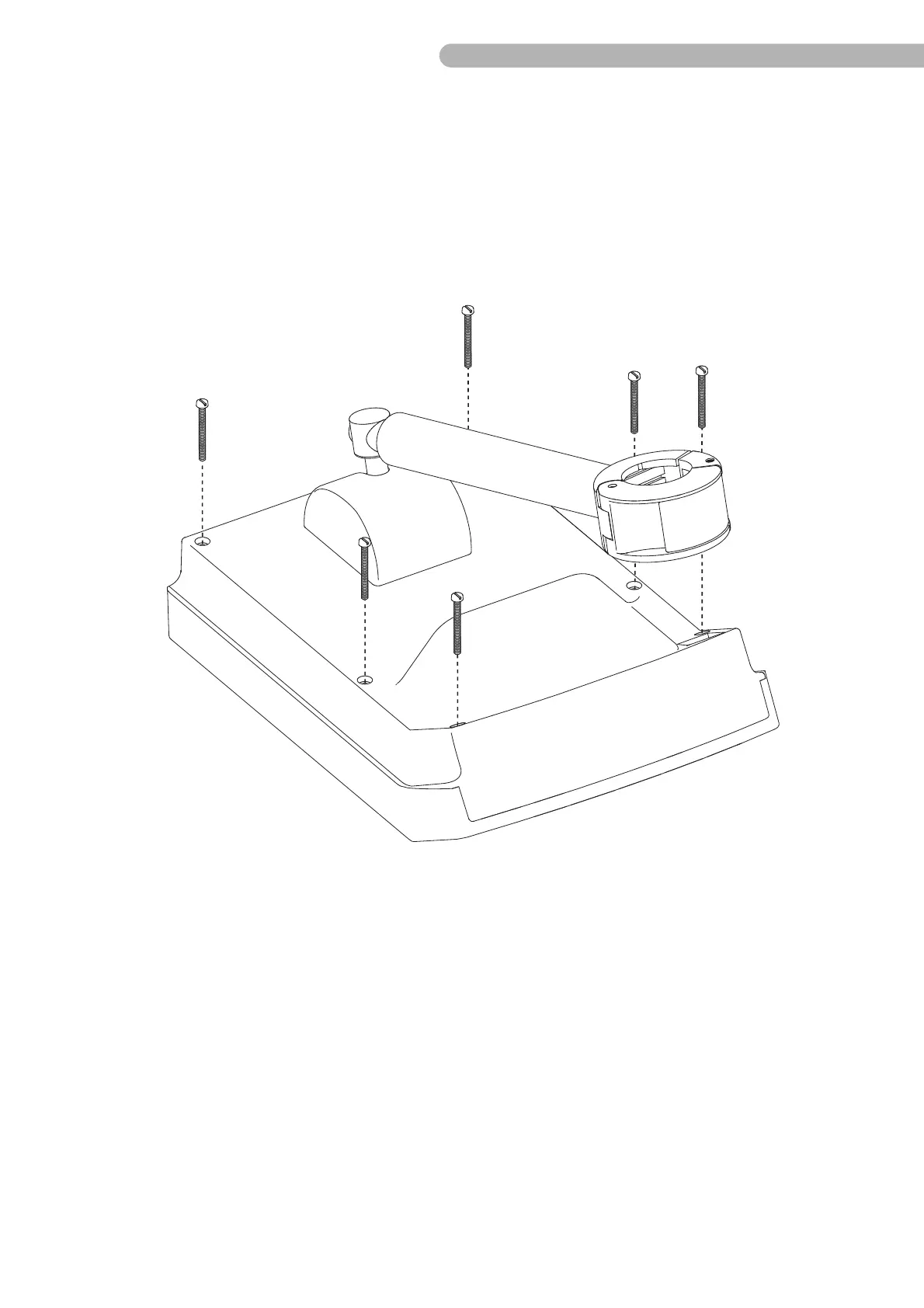
Fig. 11: Opening the casing (1)
To open the casing:
◗ Unscrew the six screws on the back panel (slotted screwdriver size 2).
◗ Turn the pump control panel over so that the front is pointing upwards.
◗ Carefully lift the front of the casing. Caution: The upper casing cannot be fully removed yet as the
connections between the upper and lower casing must first be detached!
Operating with the S5/C5 or the S3/SC System
Open the pump control panel to assign the SCP System to the S5/C5 or the S3/SC System.
◗ Adjust DIP switch A 29 on the circuit board CPU (ZKR 9910) to the correct setting:
– Switch 1 / setting ON: when operating the SCP System with the S5 or the C5 System
– Switch 1 / setting OFF: when operating the SCP System with the S3 or the SC System
Pump number "6" will be displayed on the corresponding HLM if the assignment was performed
correctly.



 To Next Page