CHAPTER 7: GENERAL DESCRIPTION 7-3
ALPHA 552
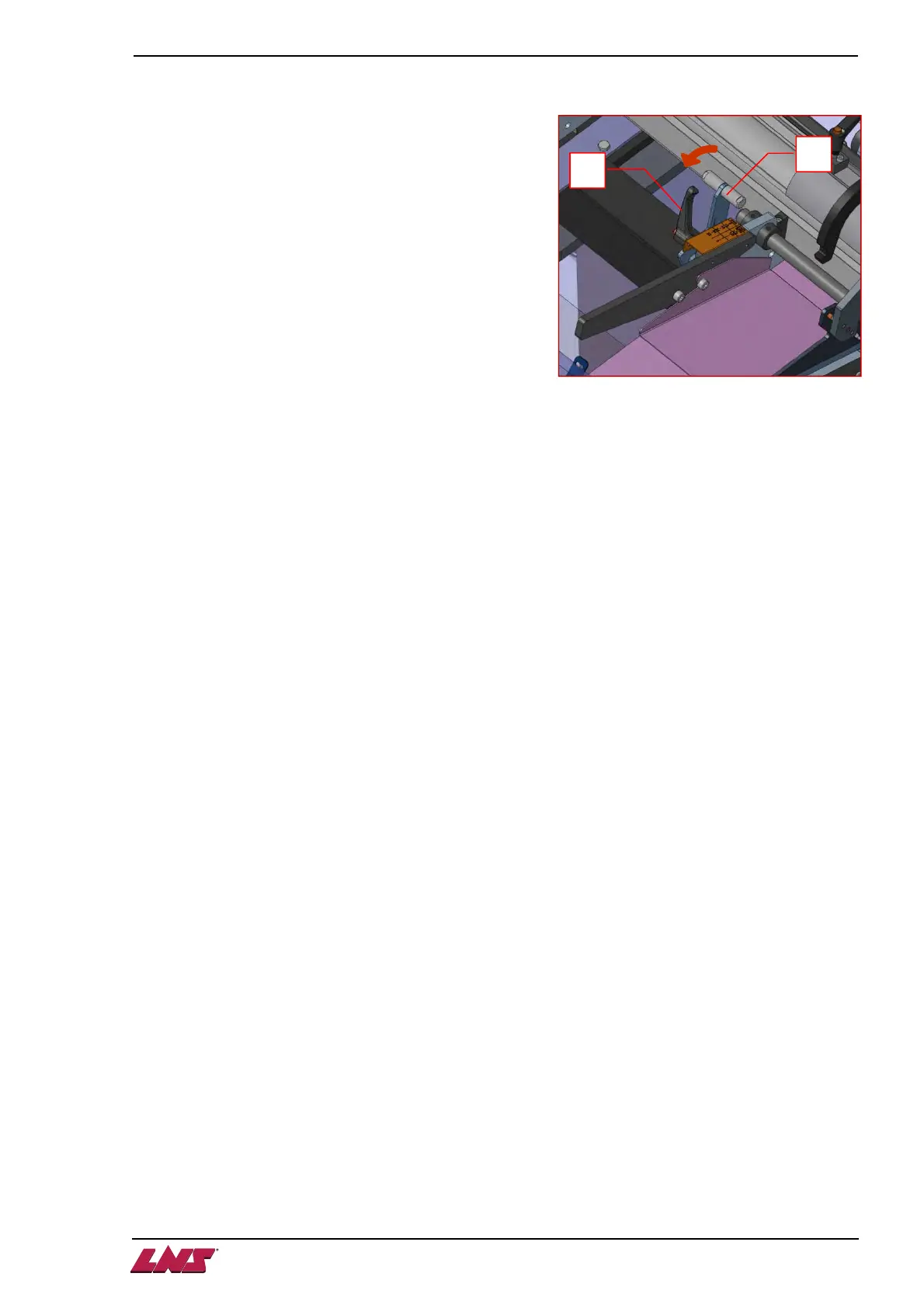
1.3. Setting the bar selection
The setting of the loading diameter is done manually, by
setting the loading ramp handle to the correct diameter:
1. Unlock the side handle (A) completely, so that the setup
handle (B) can be moved.
2. Move the setup handle (B) to the desired diameter
range, corresponding to the bar stock diameter to be
loaded.
3. Lock the side handle (A) completely, so that the setup
handle (B) cannot be moved.
A
B












 To Next Page