CHAPTER 8: OPERATION 8-17
ALPHA 552
5.9. HELP
To reach the Help menu, press the STOP button, then press "?".
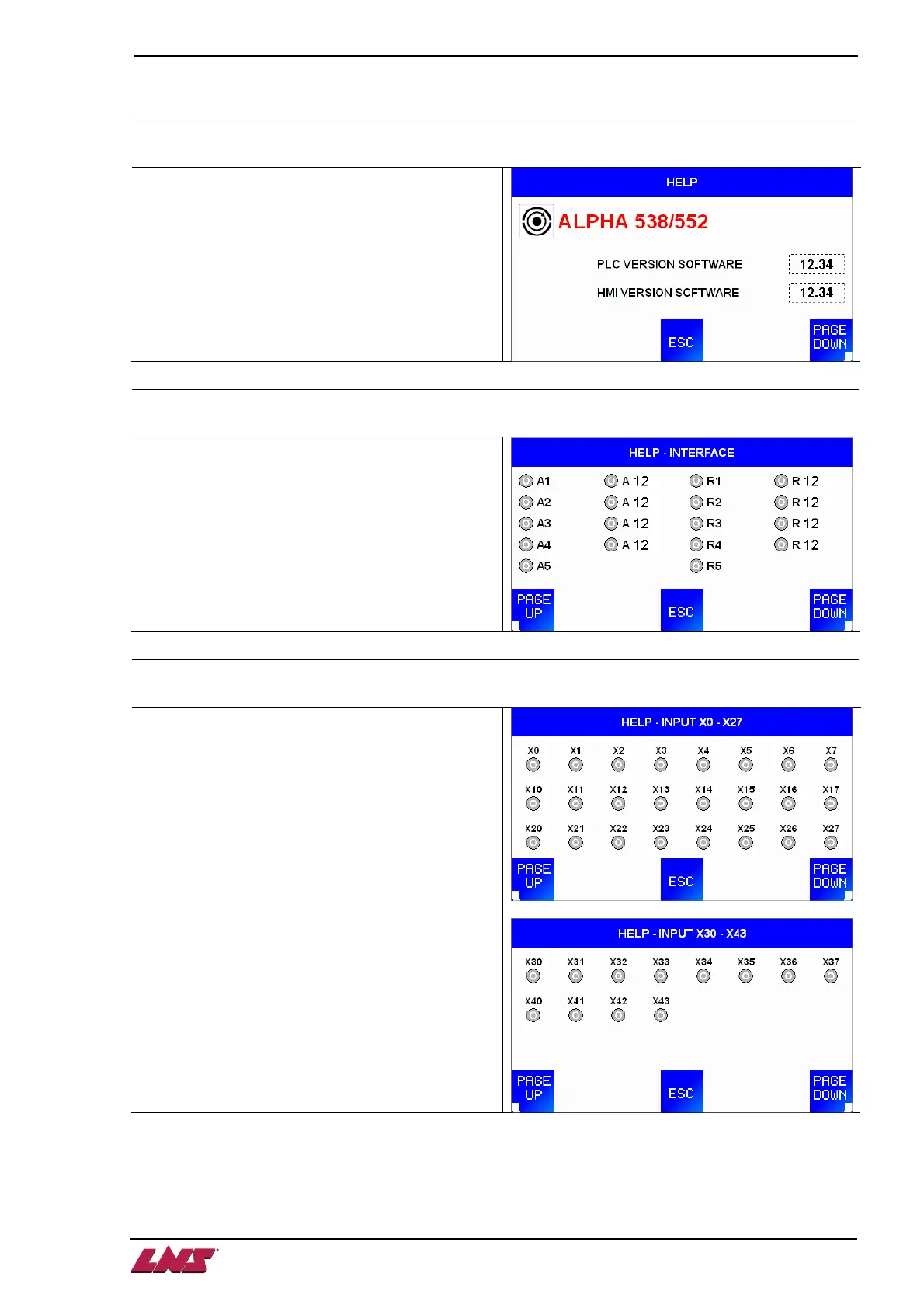
HELP: Software versions
Shows PLC and HMI installed software versions.
HELP: Interface signals
Shows signals and their status.
Grey = not active
Red = active
HELP: Inputs
Shows Inputs and their status.
Grey = not active
Red = active












 To Next Page