8-22 CHAPTER 8: OPERATION
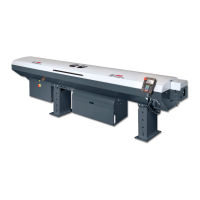
ALPHA ST320 S2
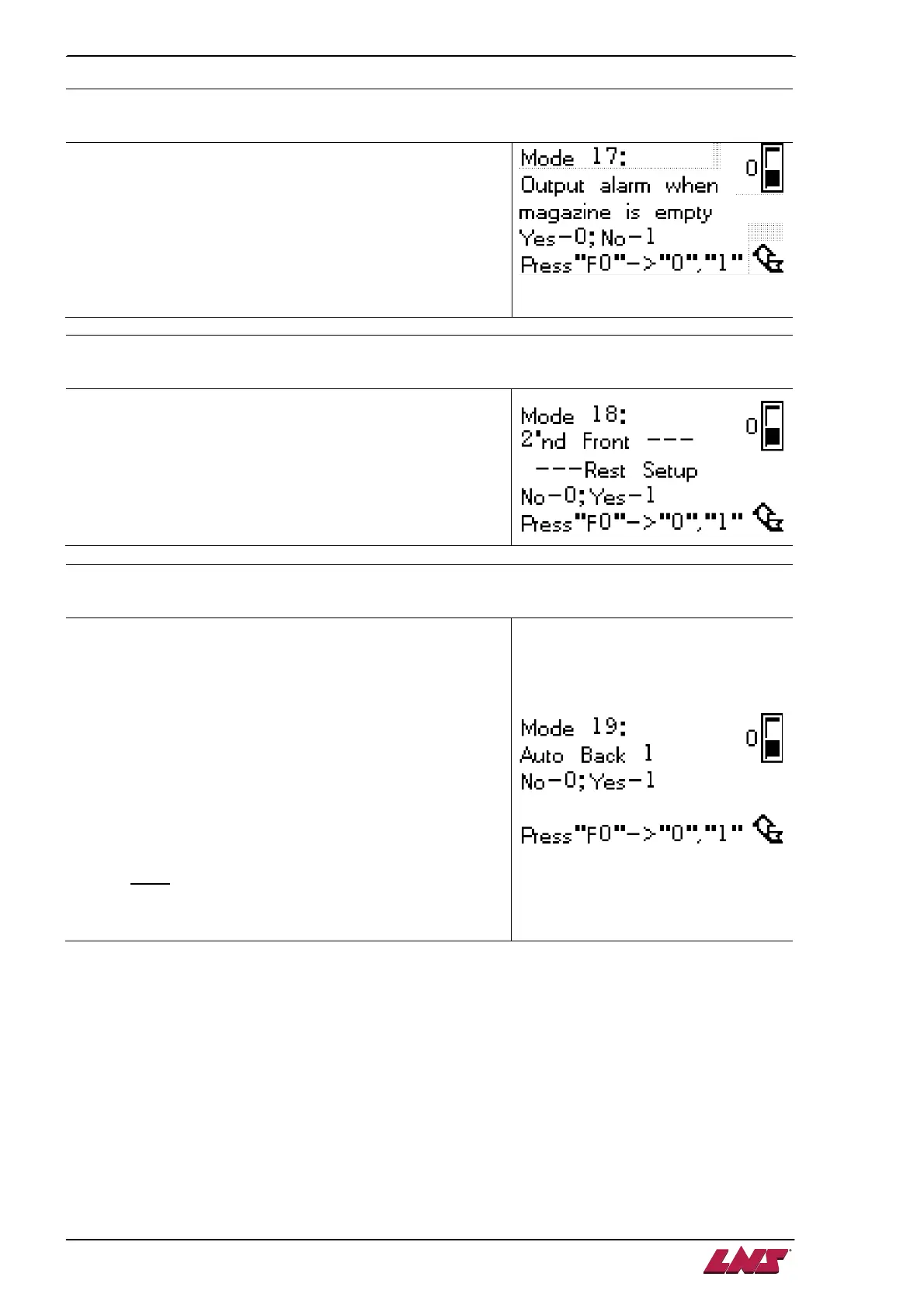
MODE 17
:
::
:
PLC output contacts Y04 and Y26 setup
Define whether the output contacts Y04 and Y26 or not when
there is no bar stock left in magazine.
0 – When the magazine is out of bar stock, the output will not
contact Y26 “Lack bar” but an alarm message will activate
by contacting Y04.
1 – When the magazine is out of bar stock, the output will
contact Y26 “Lack bar” but Y04 will not be contacted for
not activating an alarm message.
MODE 18
:
::
:
Front rest setup 2 of 3 (refer to MODE 24, 20)
Define the second front rest device action BEFORE pusher
arrives at it during AUTOMATIC mode.
0 – Acts according to chuck signal. The synchronization
device open/close when chuck open/closed.
1 – Keep closed.
MODE 19
:
::
:
Bar change setup 2 of 3 (refer to MODE 7 and 12 for further information)
For cases that the parts machining need multiple chuck
opening, an addition check point should be proceed before
the bar change cycle initiated.
0 – Chuck signal (A1) initiates the loading cycle.
1 – The pusher will be held for 5 seconds before next step
proceeded :
• If the chuck is closed in 5 seconds, the next
machining will be proceeded.
• If the chuck is not closed within 5 seconds, the pusher
r
eturns to its origin reference and proceeds bar
change process.
This setup only validates when MODE 6 set 1.
Note: Before the bar change cycle initiated, MODE 12
or TORQUE STOP (A4) signal decides if pushing
force applied on pusher.


 To Next Page
 Loading...